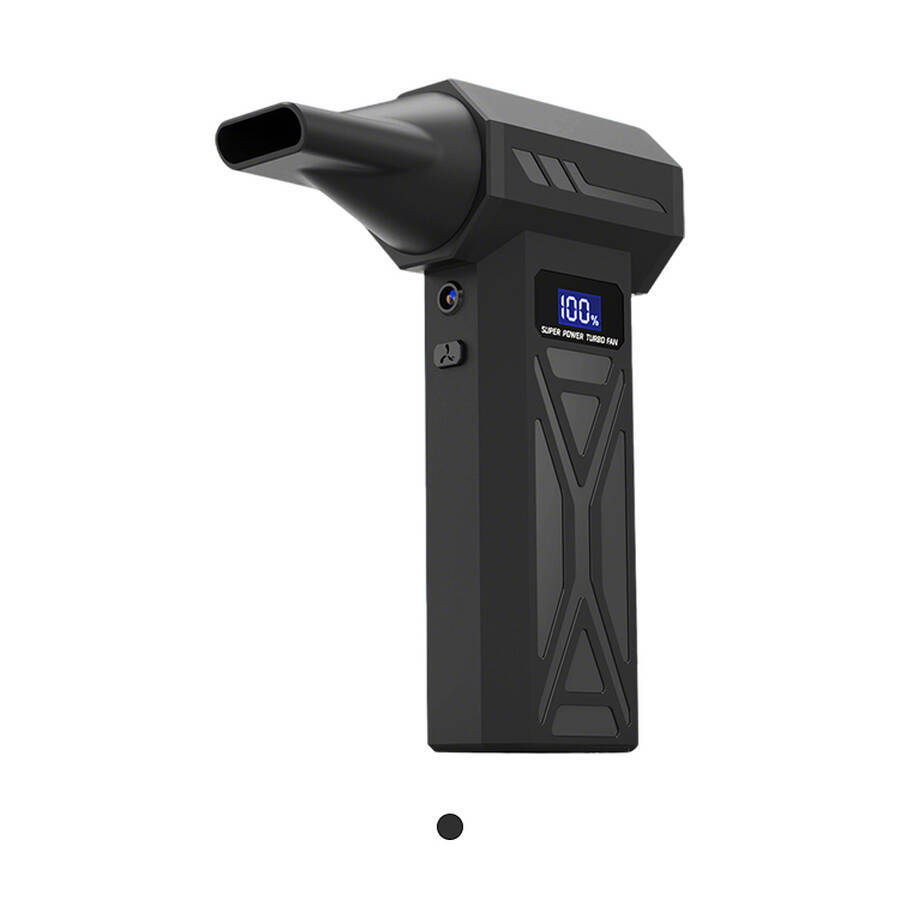
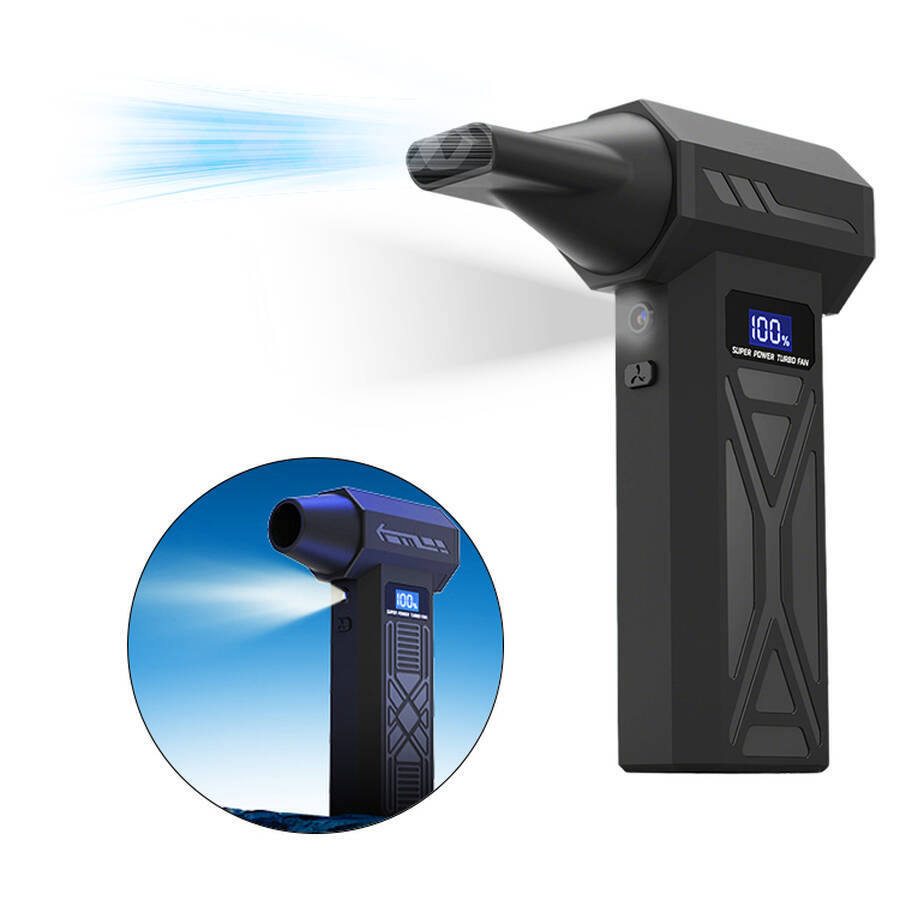

High-speed Air Blower
2026 High Speed Air Blower with Turbo Fan
Company Code: ONM030
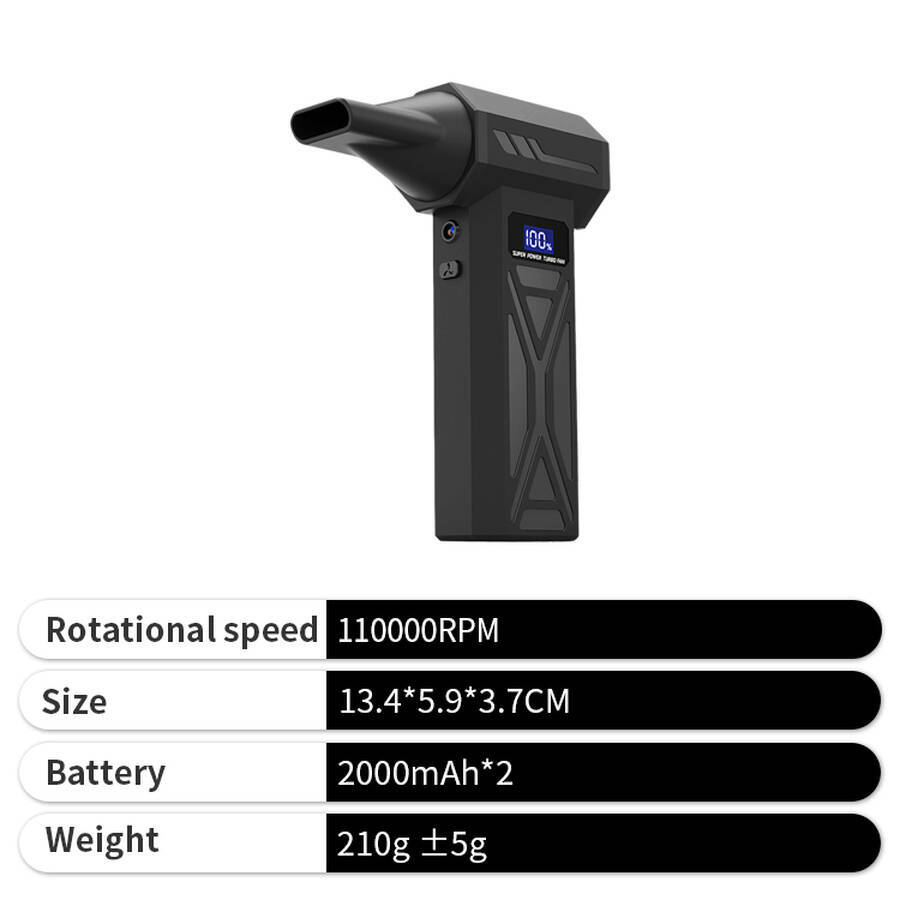
Product dimensions: 13.4*5.9*3.7CM
Weight: 210g ±5g
Material: Metal
Protection system: Electronic protection
Maximum speed: 110,000 rpm
Maximum air pressure: 160 g
Battery capacity: 2000*2 (top-grade A-grade)
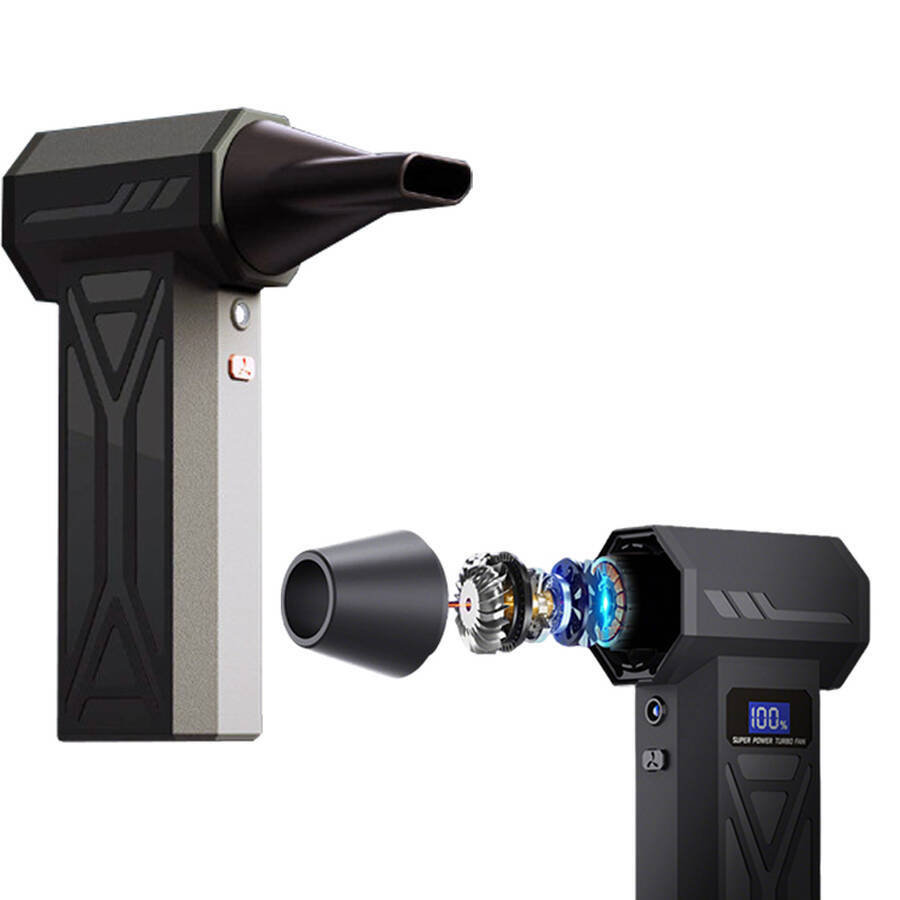
Motor type: Brushless motor
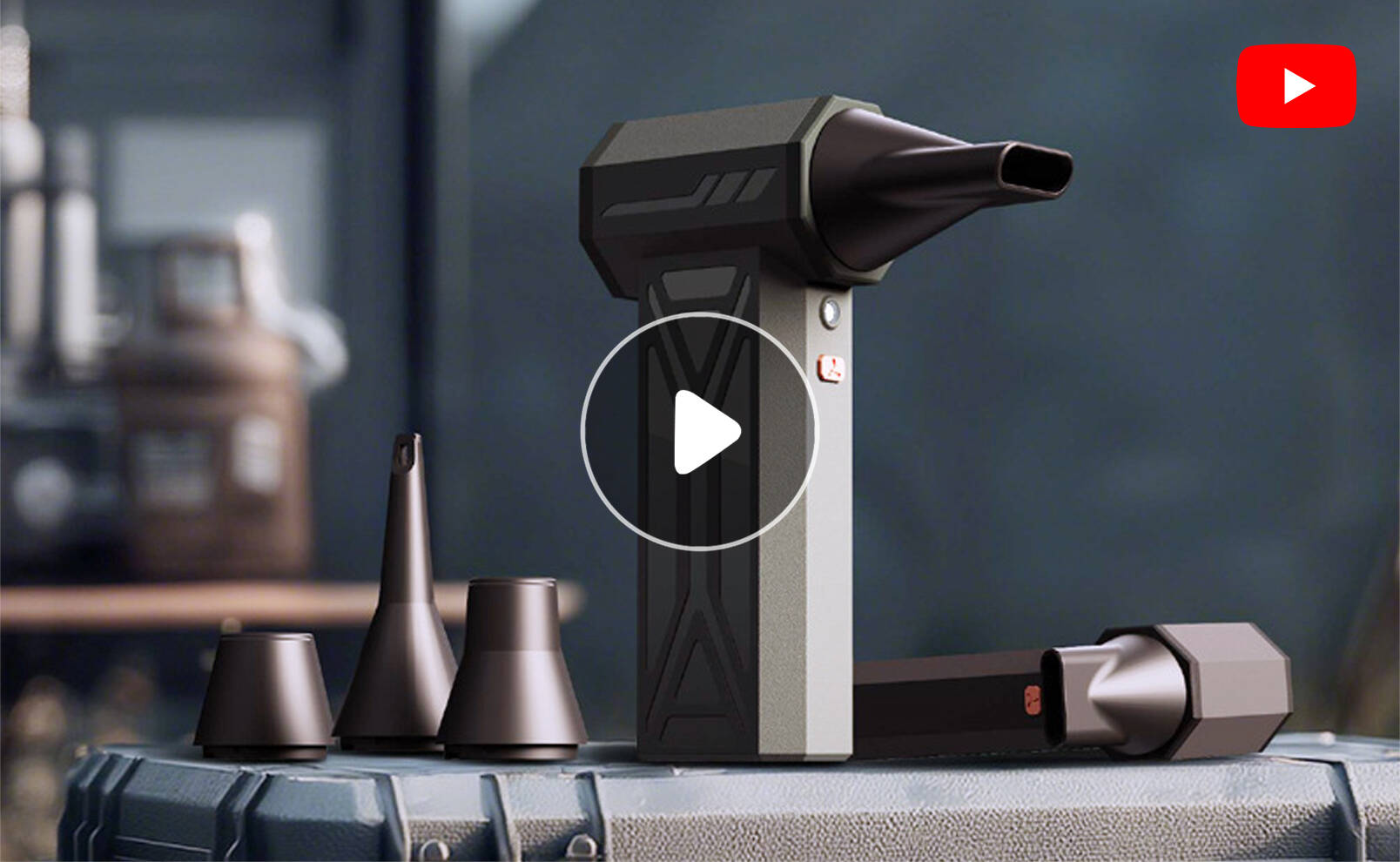
2026 High Speed Air Blower with Turbo Fan
The high-speed air blower is a powerful dust-removal tool designed specifically for keyboard crevices, the interiors of computer cases, precision instruments and car interiors. It is no ordinary air blower—powered by a high-speed motor, it generates airflow at tens of thousands of revolutions per minute, delivering ten times the force of a breath. Years of accumulated dust in crevices, lint on heat sinks and biscuit crumbs under keyboards are blown away in an instant.
Advantages
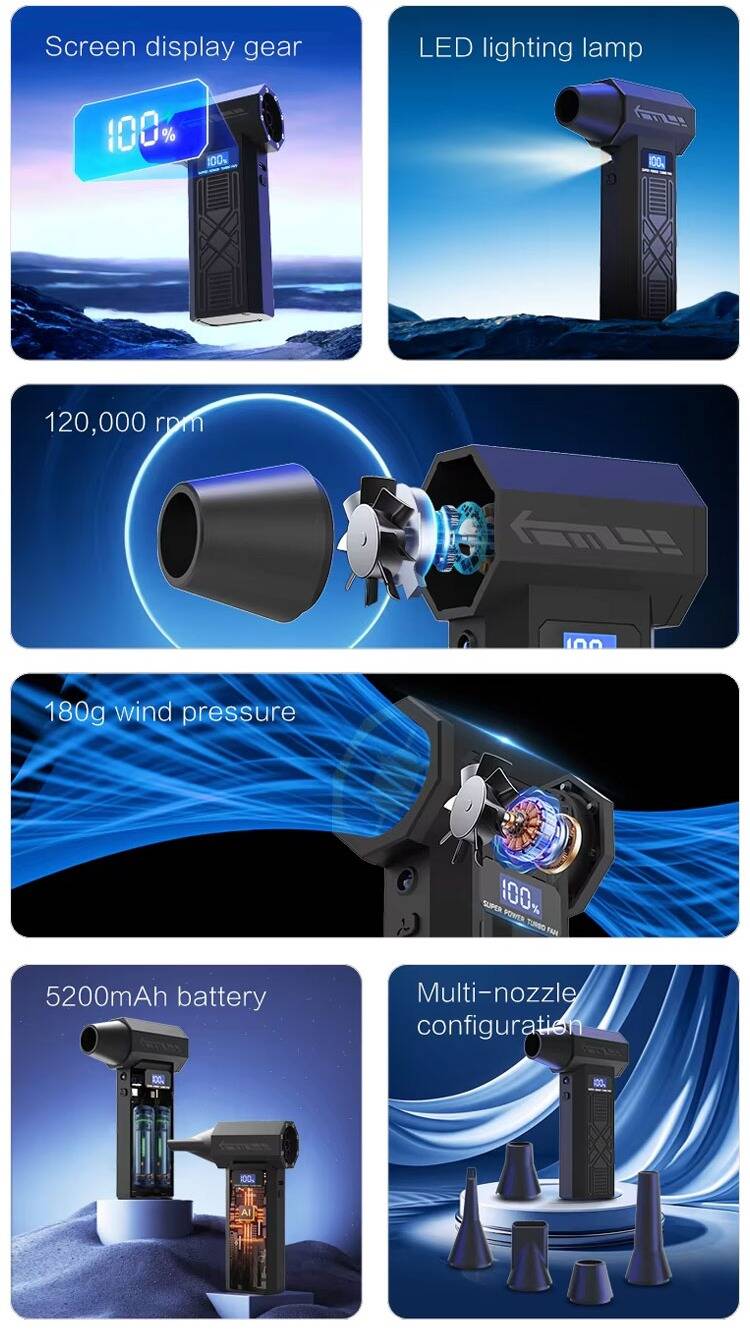
- Precise control via the display
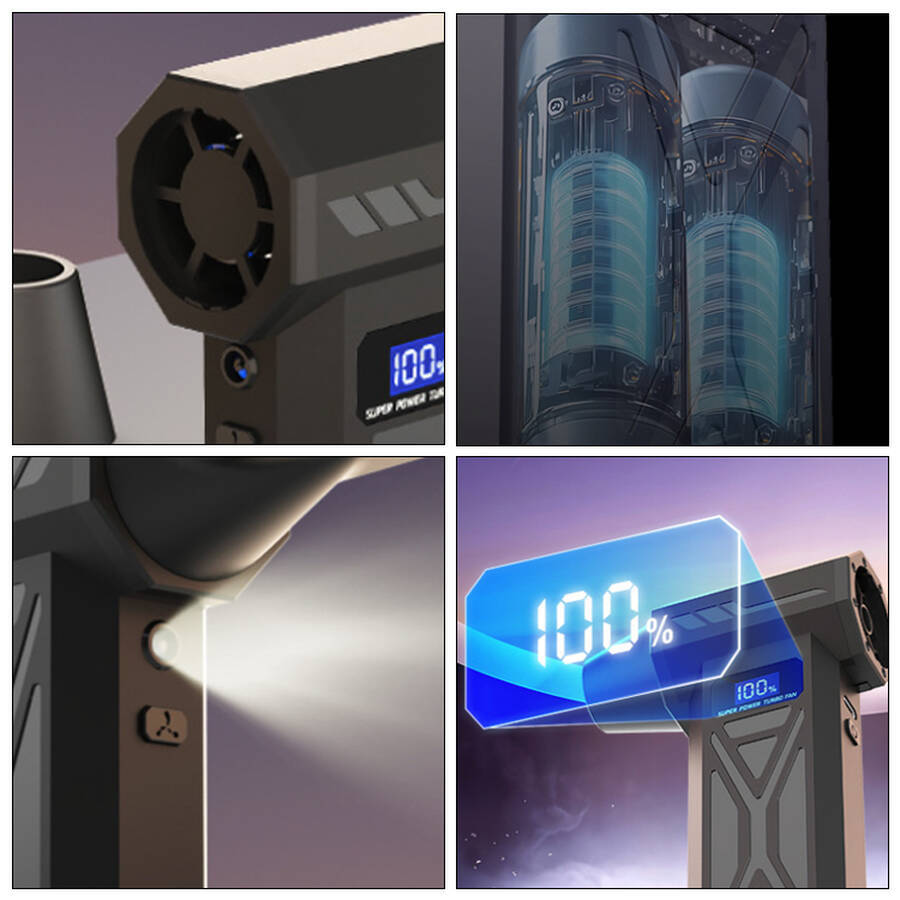
The display shows the current operating status, with a four-level battery indicator, enabling precise control - LED auxiliary lighting for effortless illumination in dark areas
The lighting function easily illuminates dark areas ahead, making it suitable for a wider range of scenarios - 110,000 RPM high-speed brushless motor
With a maximum output speed of 110,000 RPM, it delivers powerful and sustained performance, ensuring the motor does not overheat even under prolonged heavy loads - 160g High Air Pressure for Powerful Airflow
The 110,000 RPM high-speed brushless motor delivers continuous, powerful air pressure, offering a unique and practical experience - Multi-purpose Nozzles with Rotating Snap-on Design
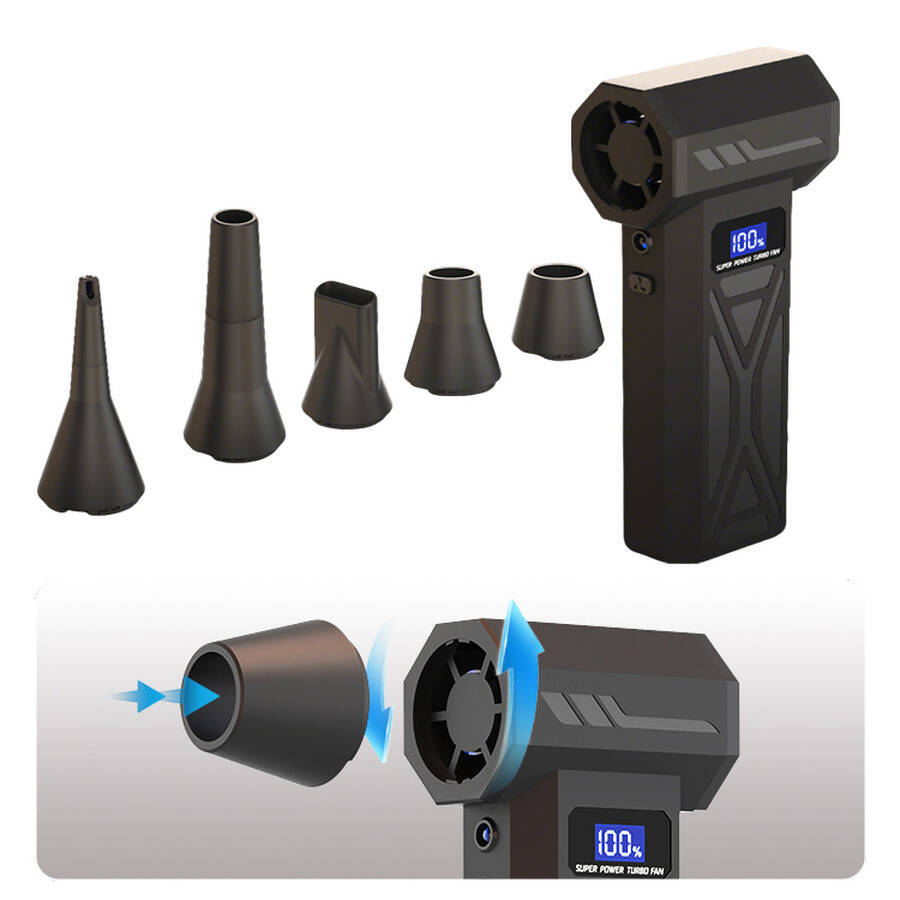
A range of nozzle designs cater to a variety of practical scenarios; the rotating snap-on design allows for easy removal and replacement - 4,000 mAh Battery with Protection Board for Enhanced Safety
Built-in 4000mAh lithium battery for long-lasting power, equipped with a battery protection board for enhanced safety - Smaller yet more powerful – easy to control
Compact and mini yet capable of delivering powerful airflow; fits comfortably in the hand and is easy to store without taking up space
Suitable scenarios
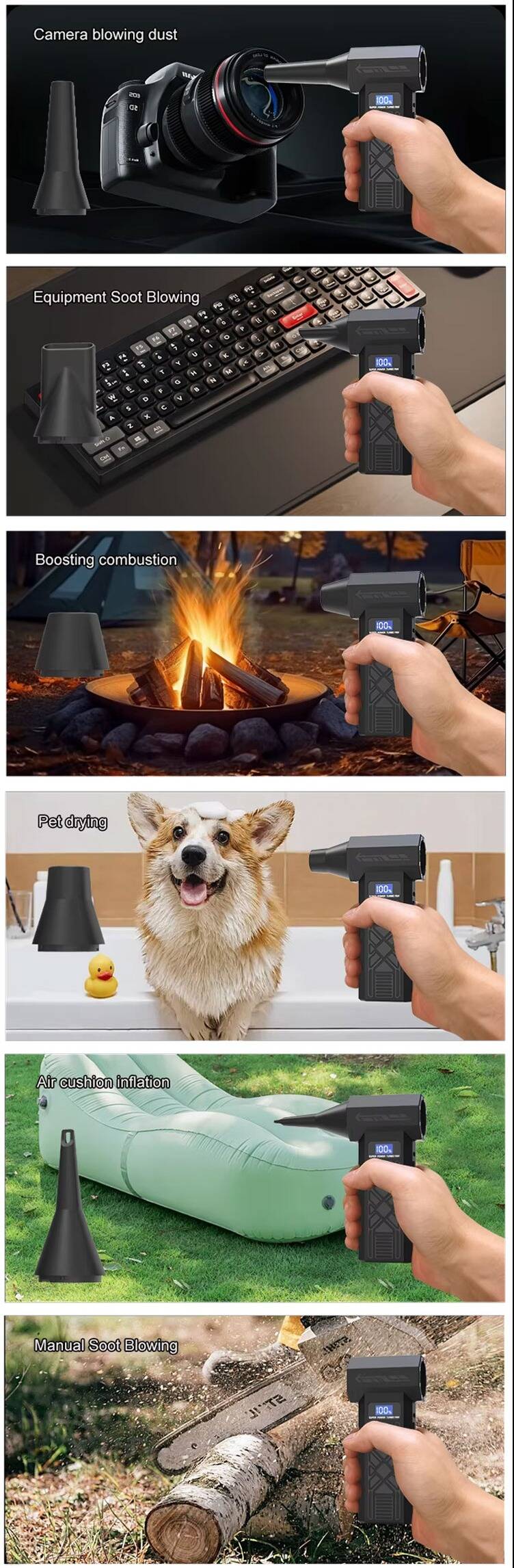
- Keyboard cleaning – a must-have for keyboard enthusiasts
- Computer case dusting – an essential tool for DIY enthusiasts
- Camera/lens cleaning – compressed air for photographers
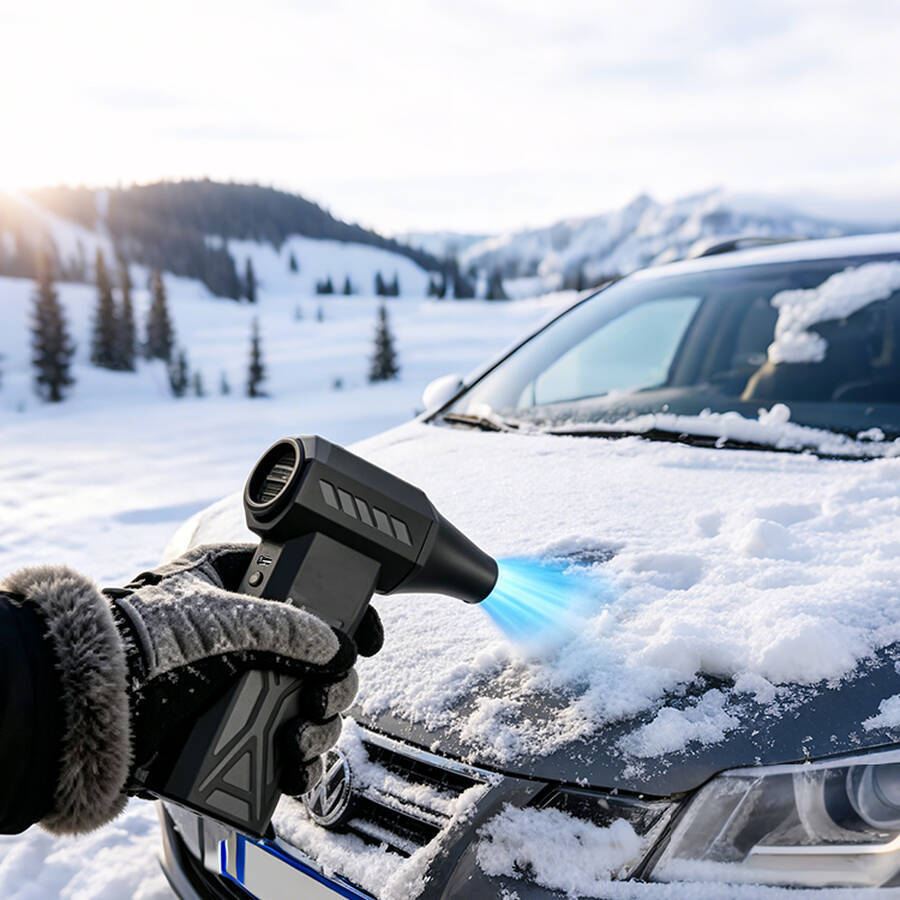
- Car interior cleaning – air vents and seat crevices
- Precision instruments/models – contactless cleaning methods
- Household chores – window sills, tracks and net curtains
- Office/laboratory – cleaning electronic devices on desks
Customer Service
By printing your brand on the handy tools users reach for every day, every time they blow away dust becomes an opportunity for brand exposure. Our high-speed air blowers support bespoke customisation—including screen-printed logos, custom brand colours and custom packaging—making them ideal for digital brands, IT peripherals and corporate gifts.
FAQ
Q1: Just how powerful is this air blower? What does a maximum speed of 110,000 RPM actually mean?
A1: 110,000 RPM — 110,000 revolutions per minute — represents the flagship level for high‑speed brushless motors. It delivers airflow that far exceeds that of standard air blowers. By comparison, standard air blowers typically operate at 30,000‑50,000 RPM. The airflow from blowing by mouth is essentially negligible. The maximum air pressure generated at 110,000 RPM reaches 160g. This is powerful enough to instantly dislodge years of accumulated dust from keyboard crevices, lint from heat sink fins, and dust inside the computer case. Medium to low settings are sufficient for routine keyboard cleaning. The high setting delivers the best results for cleaning the inside of a computer case.
Q2: What does “2000mAh × 2” mean? How long does the battery last?
A2: 2000mAh × 2 refers to two 2000mAh lithium batteries connected in series. This gives a total capacity of 2000mAh — 7.4V — approximately 14.8Wh. Battery life depends on the fan speed setting.
-
High speed — full power: lasts approximately 10‑15 minutes.
-
Medium speed: lasts approximately 20‑25 minutes.
-
Low speed: lasts approximately 30‑40 minutes.
This is more than sufficient for the daily cleaning of a keyboard and a computer case. For dusting multiple devices throughout the house, we recommend using the medium or low settings. When the battery is low, the airflow will decrease noticeably. At this point, recharging is required. It does not support use whilst charging.
Q3: The unit weighs 210g. Does it feel heavy? Does it cause fatigue during prolonged use?
A3: 210g is roughly equivalent to the weight of a standard smartphone. This makes it very lightweight. Cleaning an entire computer case continuously — approximately 10‑15 minutes — places no strain on the wrist. Compared to traditional large‑scale dust blowers — 500g+ — the advantage of 210g lies in the ability to operate it with one hand without fatigue. It also offers greater flexibility when reaching high up to clean the top of the case — or into narrow spaces.
Q4: What does “electronic protection” mean? What does it do?
A4: Electronic protection refers to the built‑in intelligent battery management protection system. This ensures safe operation. It primarily comprises three key protection functions:
-
Overheat protection: Automatically shuts down the motor when it runs at high speed for an extended period and overheats. It resumes once cooled.
-
Overcurrent protection: Automatically cuts off power in the event of abnormal current — to prevent damage from short circuits.
-
Over‑discharge protection: Automatically shuts down the device when the battery voltage is too low — to prevent damage from excessive discharge.
These protection mechanisms mean users need not worry about safety issues. The machine will assess the situation and protect itself.
Q5: Is a maximum air pressure of 160g sufficient? What kind of dust can it remove?
A5: An air pressure of 160g is sufficient to handle over 90% of everyday dust‑removal scenarios. It can easily remove hair and biscuit crumbs from keyboard crevices, lint from heat sink fins, dust inside computer cases, accumulated dust from air conditioning vents, and long‑standing dust from window sills and tracks. For dust on camera lens surfaces, use a lower setting. However, it cannot remove heavy grease or stuck‑on debris — which requires a brush or damp cloth. Air pressure in comparable products ranges from 120g to 200g. 160g is considered mid‑to‑high range.
Q6: Is this blower a dual‑purpose unit for both blowing and suction? Can it be used for vacuuming?
A6: Based on the information provided, this is a dedicated air blower. It does not have a vacuum function. It is designed to blow dust away with high‑pressure airflow — not to suck it up.
Q7: Can it be used to clean camera lenses? Will it cause damage?
A7: Yes — but you must use the air nozzle and set the airflow to low. High‑speed blowers generate very strong airflow. Blowing directly at the lens on a high setting may force dust into the gaps between the lens elements — or even damage the lens coating. The correct method is as follows:
-
Attach the air nozzle — which narrows the air outlet and produces a gentler airflow.
-
Select the low setting.
-
Hold it 15‑20 cm away from the lens — and blow at an angle.
We recommend having the sensor cleaned by a professional. If there is oil or water on the lens, first use compressed air to blow away loose dust, then wipe with a lens cloth.
Q8: How do I charge the battery? How long does it take? Can I use it whilst charging?
A8: It features a Type‑C charging port — which is widely compatible. Charging takes approximately 2‑3 hours — 5V/2A. Models supporting fast charging may reduce this time. The indicator light typically flashes red during charging and remains steady or turns off once fully charged.
Important Note: This blower does not support use whilst charging. The unit cannot be switched on whilst charging. We recommend getting into the habit of charging it immediately after use. Ensure it is fully charged before your next cleaning session — to avoid running out of power unexpectedly.
Q9: Is it noisy? Will it disturb others if used in an office or dormitory?
A9: When operating at high speed, the noise level is approximately 75‑85 decibels. This is within the normal range for this class of product. This volume is roughly equivalent to the sound of a vacuum cleaner or hairdryer on a high setting. In quiet environments such as offices or dormitories, we recommend using it outside of working hours — or using it on a low or medium setting and keeping each session brief. For short tasks such as cleaning a keyboard — 1‑2 minutes — the impact is minimal. However, we do not recommend using it late at night or early in the morning.
Feel free to inquire anytime and lock in your favorite style!