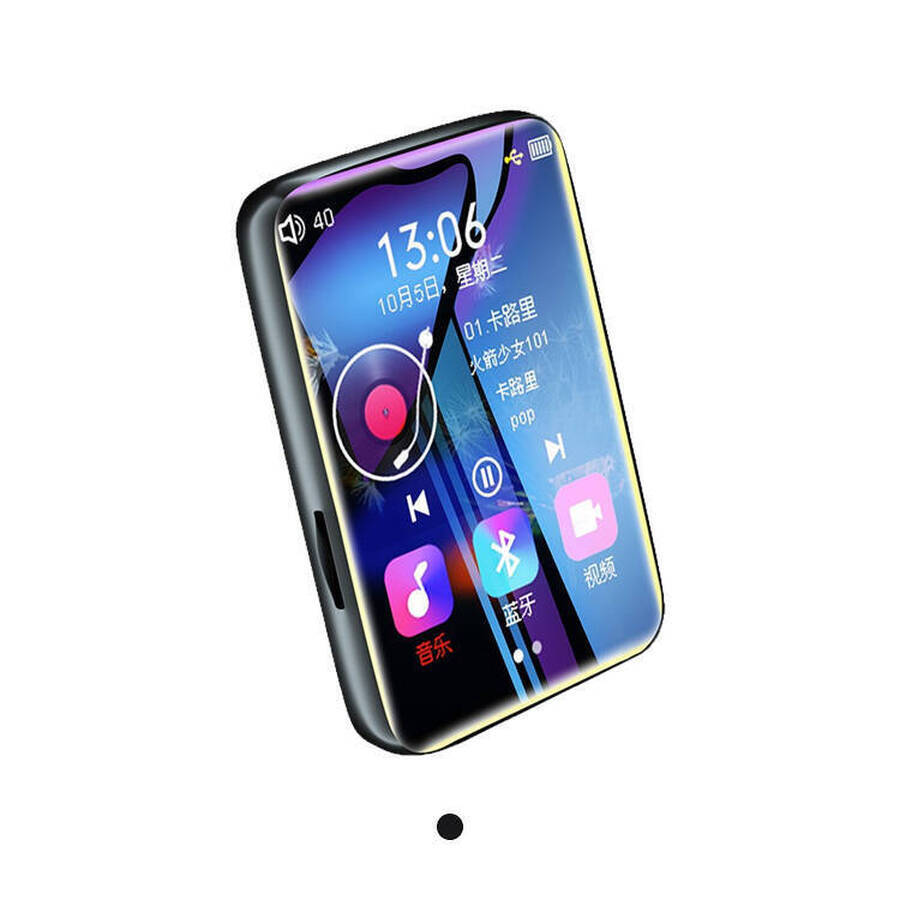
Touchscreen MP3 Player
Manufacturer Wholesale Best Touchscreen Mp3 Player with Bluetooth
Company Code: ONM026
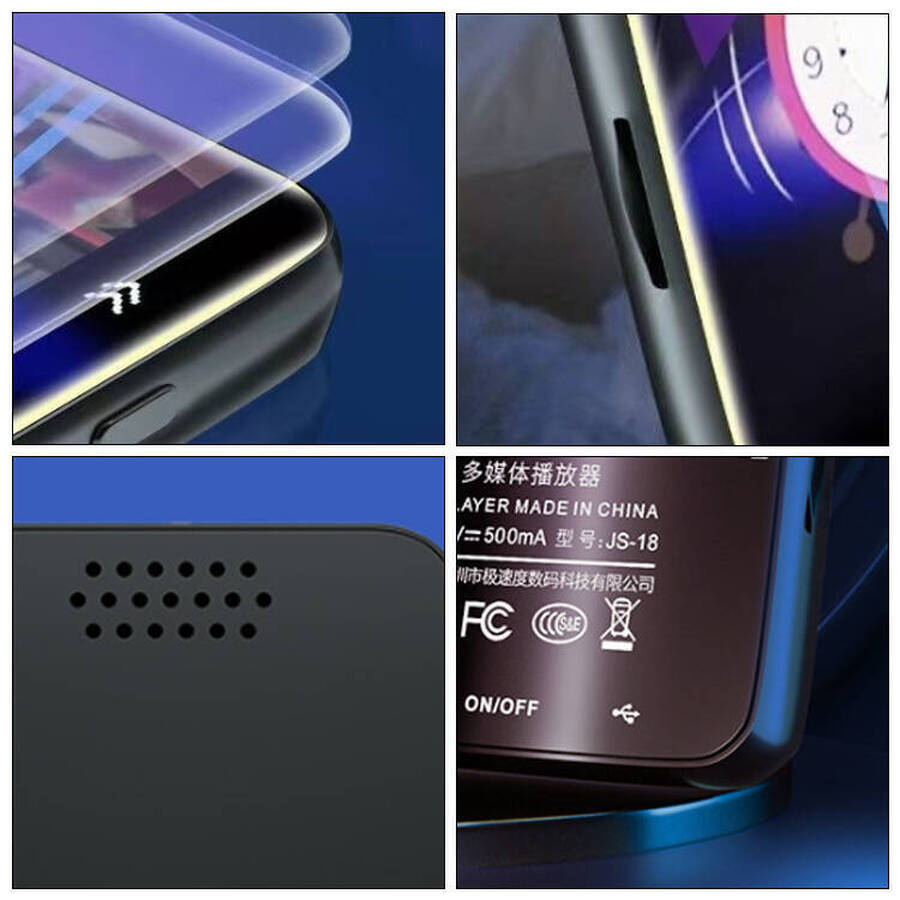
Material: Zinc Alloy
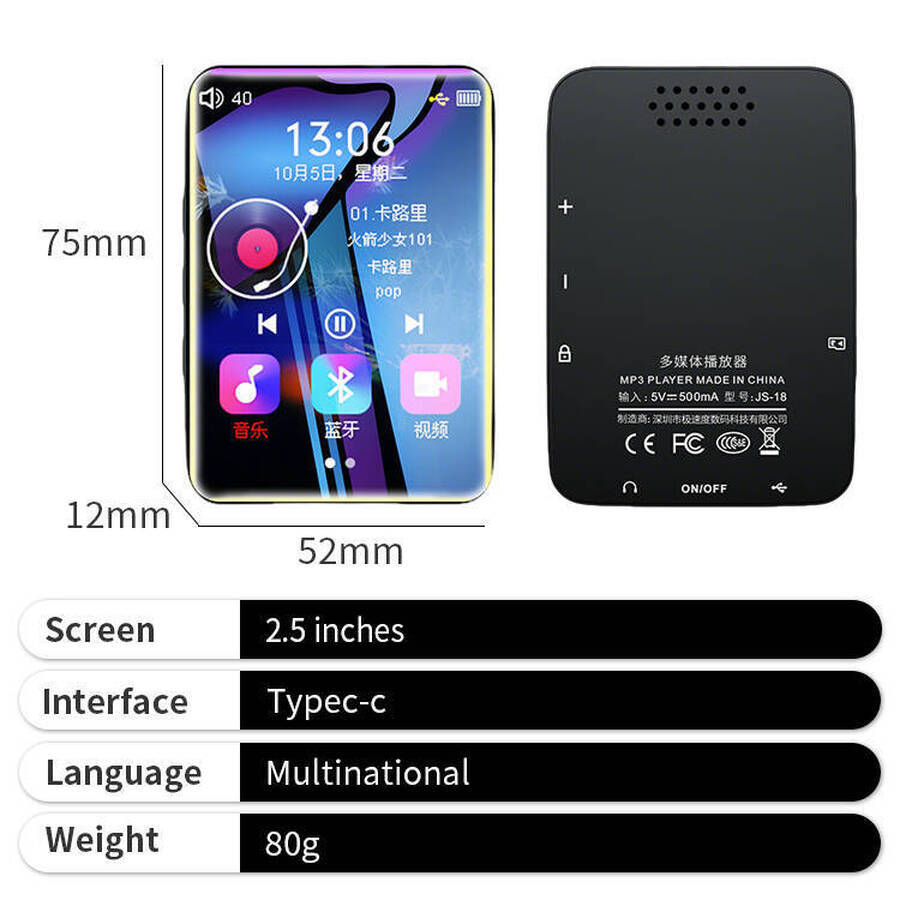
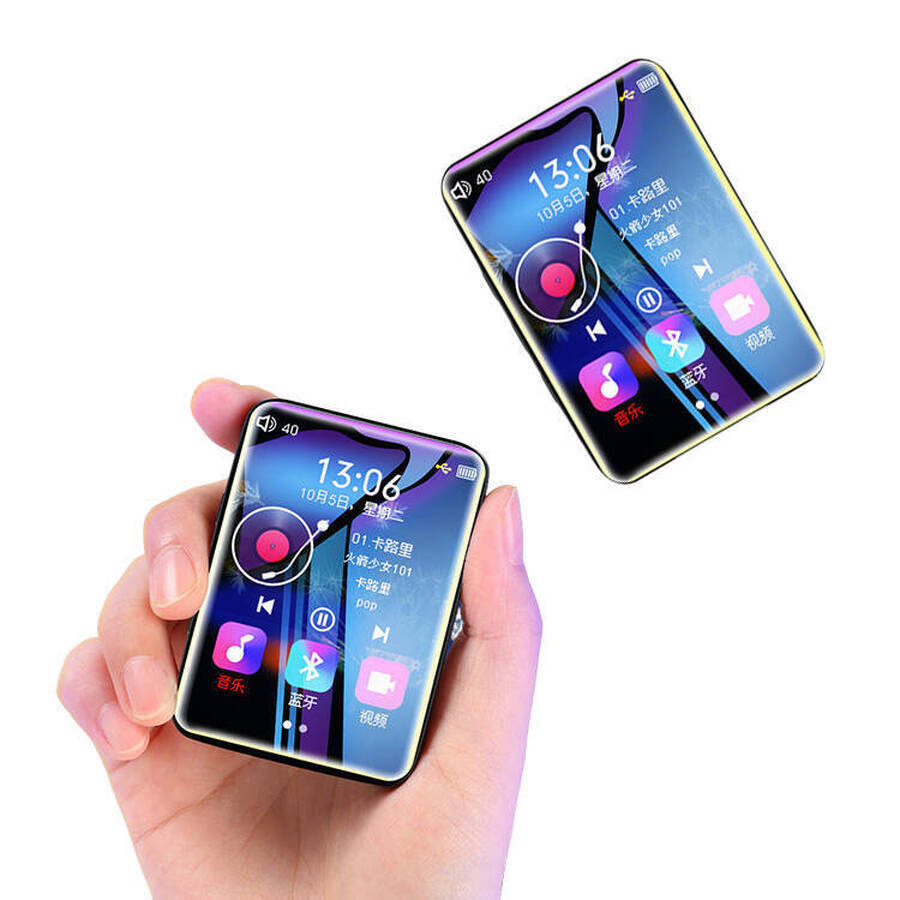
Product dimensions: 75x52x12mm
Weight: 80g
Resolution: 240×320 pixels
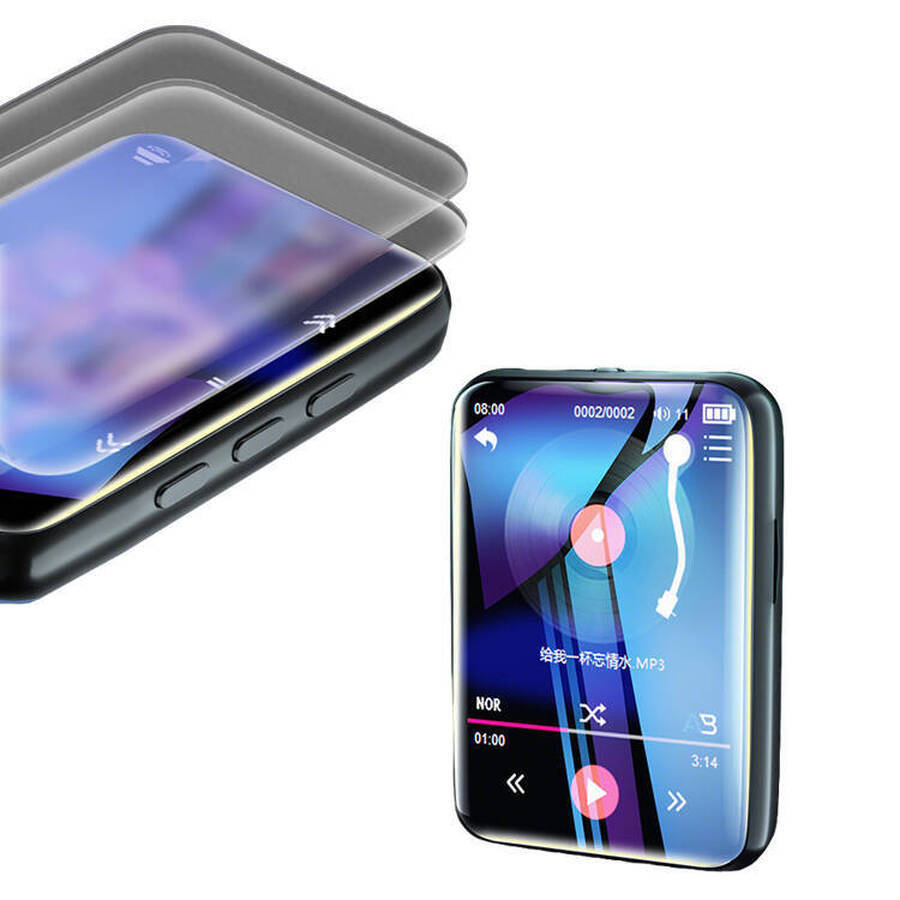
Operation: Full-screen touch
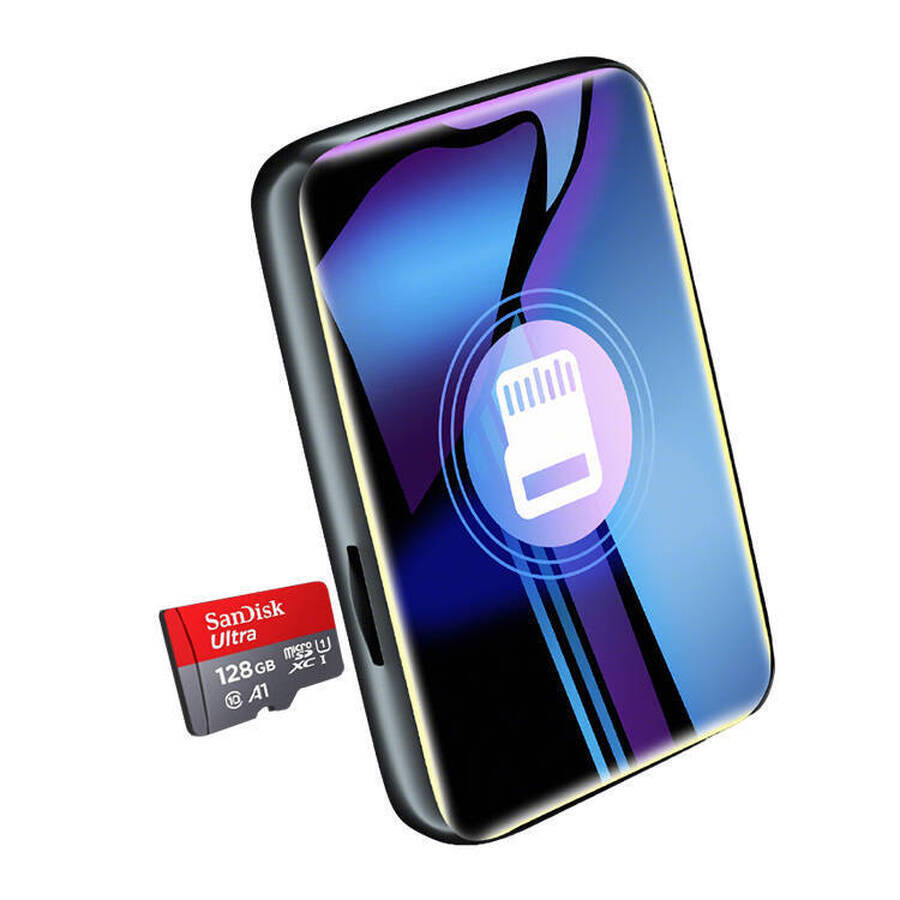
External storage: TF memory card
Power supply: Built-in lithium-polymer battery
Supported image file formats: PEG, BMP
Supported e-book file formats: TXT
System requirements: Windows XP / Windows 7 / Windows 10
CERTIFICATES
Manufacturer Wholesale Best Touchscreen Mp3 Player with Bluetooth
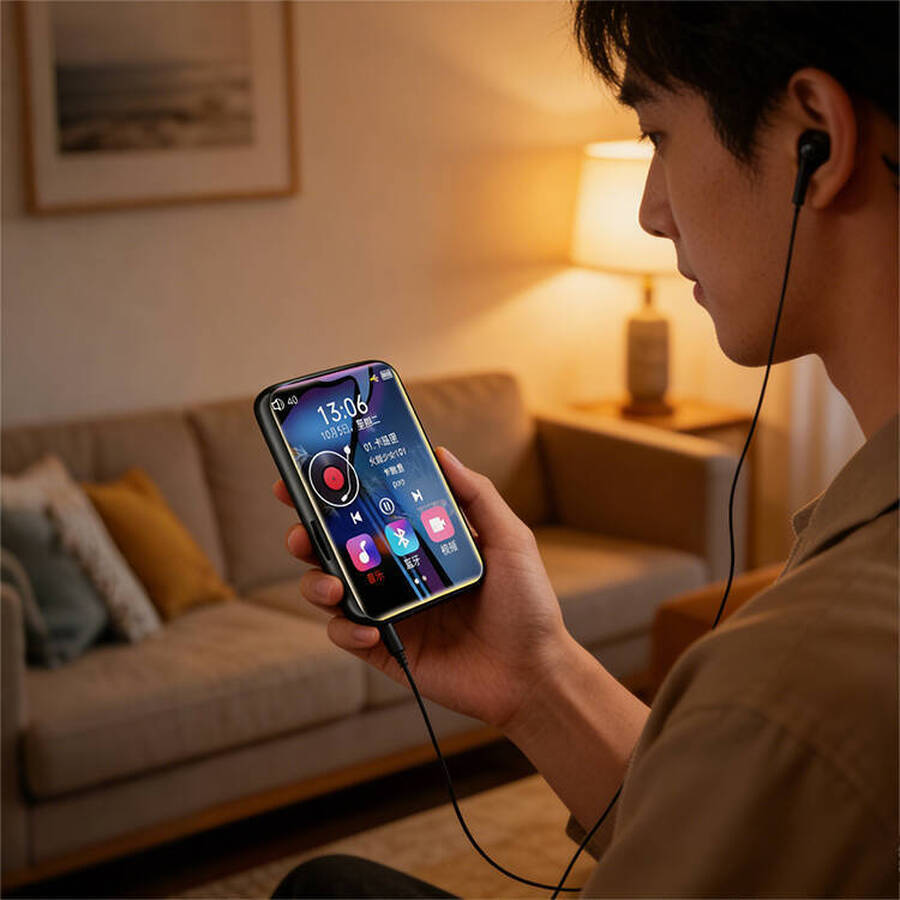
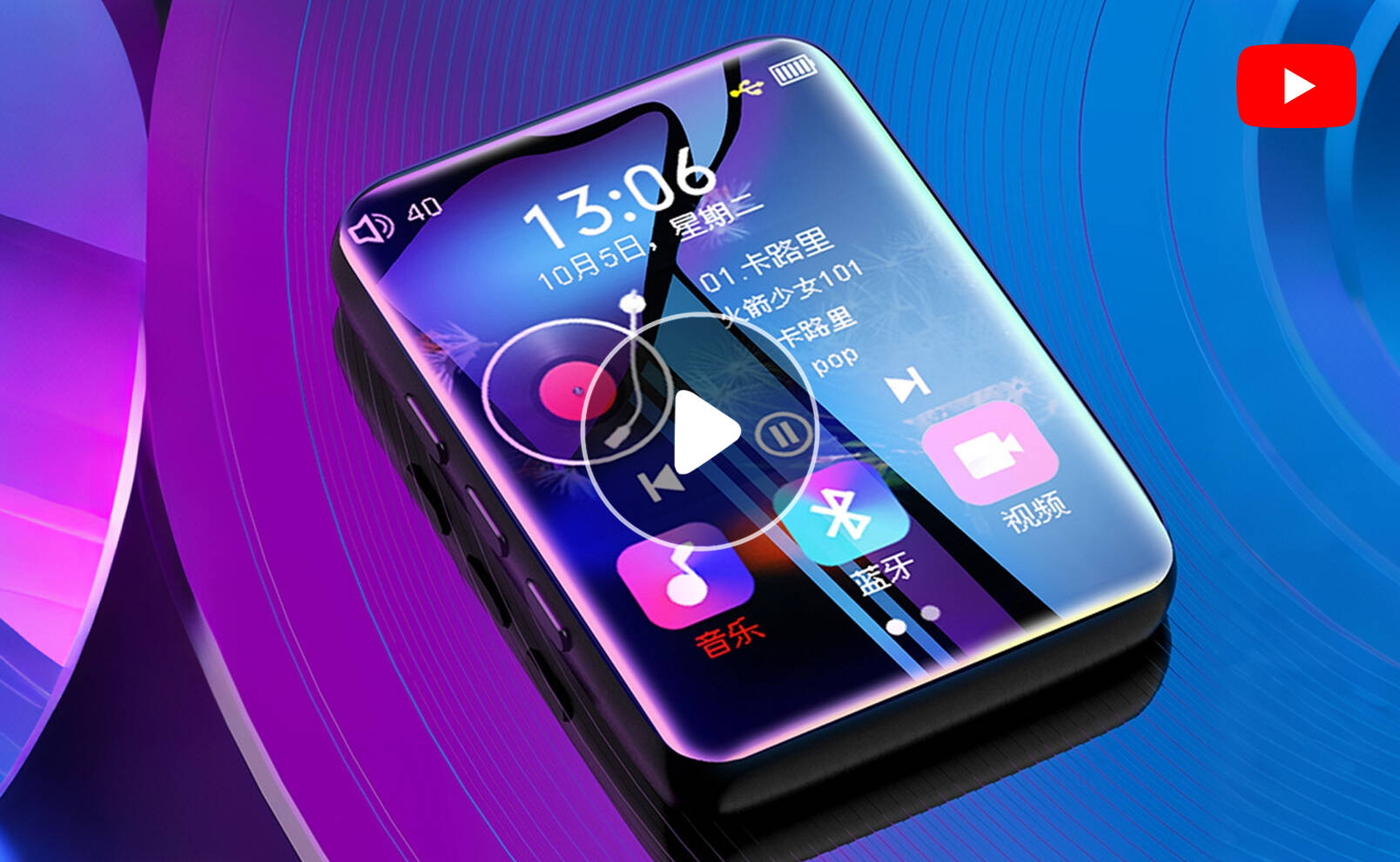
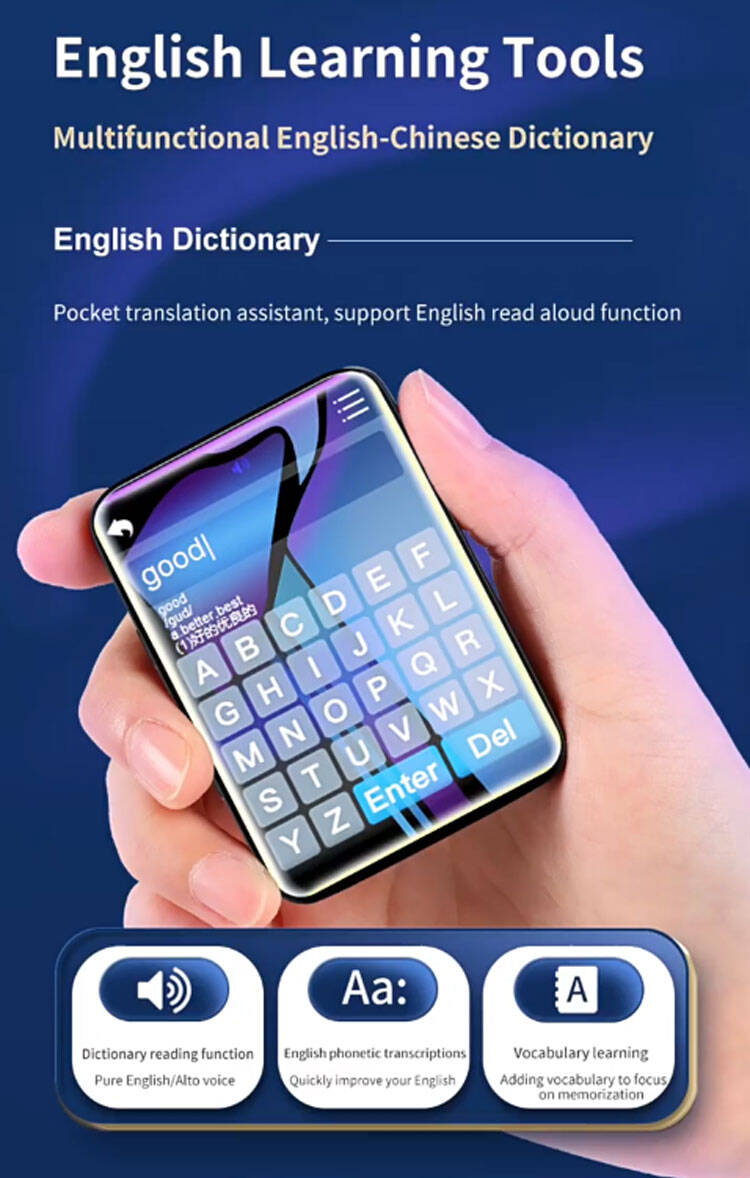
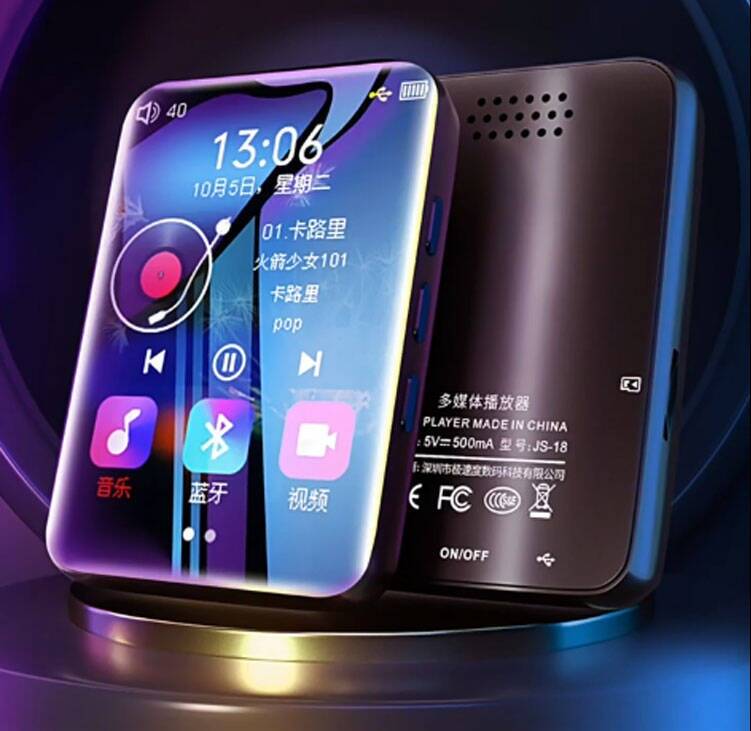
This touchscreen MP3 player is a portable music device designed specifically for workouts, commutes, and focused study sessions. It’s not a phone, so you won’t be interrupted by messages; nor is it a bulky, outdated MP3 player—it features a full-screen touchscreen that’s as smooth as a smartphone, yet it’s dedicated solely to music.
Advantages
- Stunning Hi-Fi Sound Quality, Tuned by Top-Tier Audio Engineers
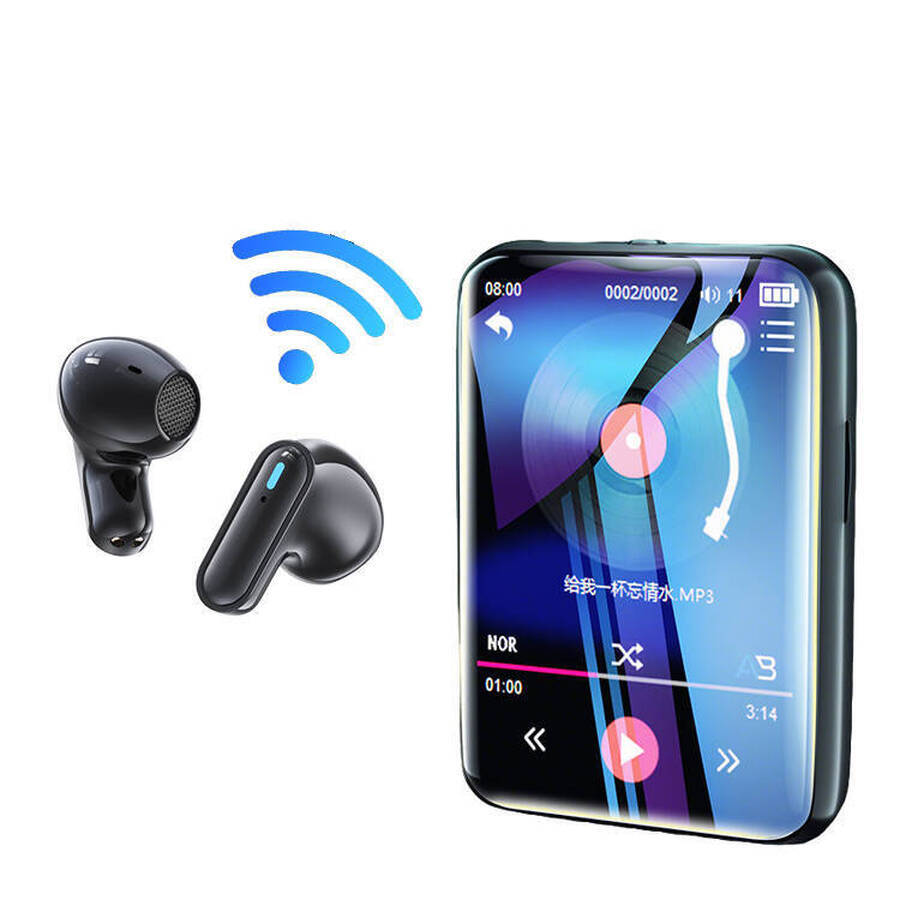
Internal Hi-Fi chip decoding supports multiple formats including MP3, WMA, and APE - Stable Bluetooth 5.3
Features Bluetooth 5.0 decoding technology for fast, stable connections without dropouts - HD Video Playback: A Compact, Portable Home Theater
Vibrant, eye-friendly HD display with smooth, lag-free video playback for an enhanced visual experience - Multifunctional E-book: Night Reading with Eye Protection
E-book features designed by book-loving engineers, with four practical functions dedicated to providing you with a better reading experience! - Smart Music Alarm: Wake Up to Beautiful Music
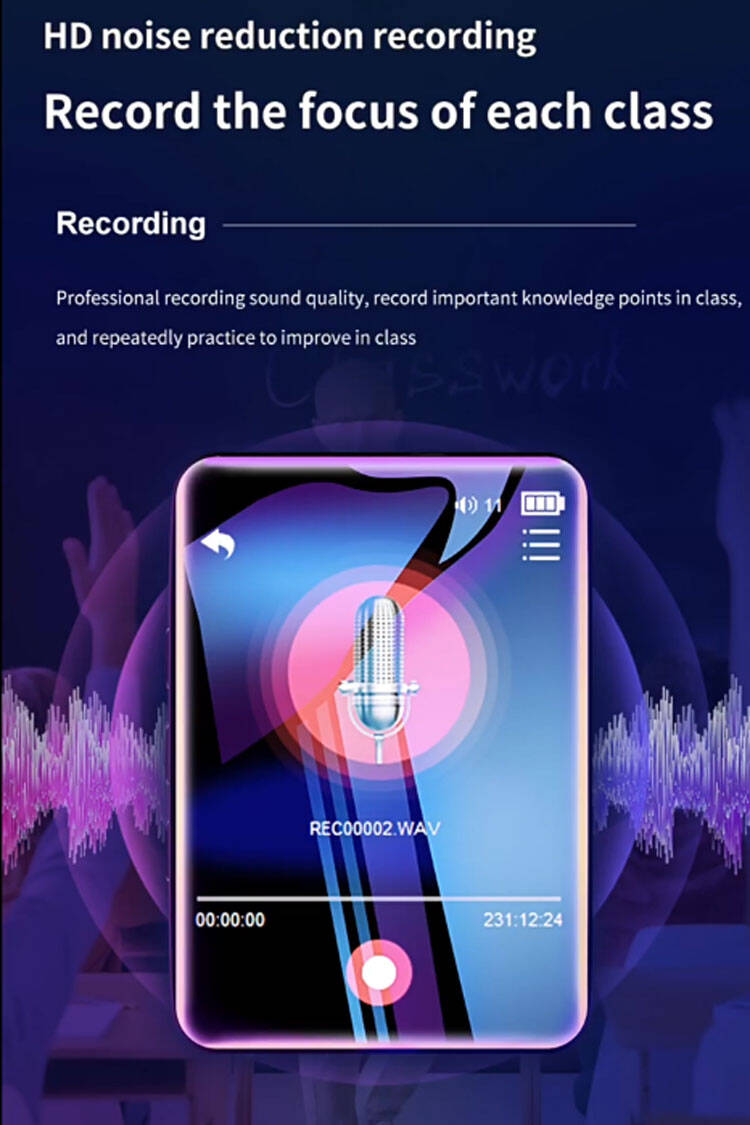
Whether it’s a wake-up alarm or a reminder for important events, you can customize the ringtone to your liking. - HD Noise-Canceling Recording: Capture Every Key Point
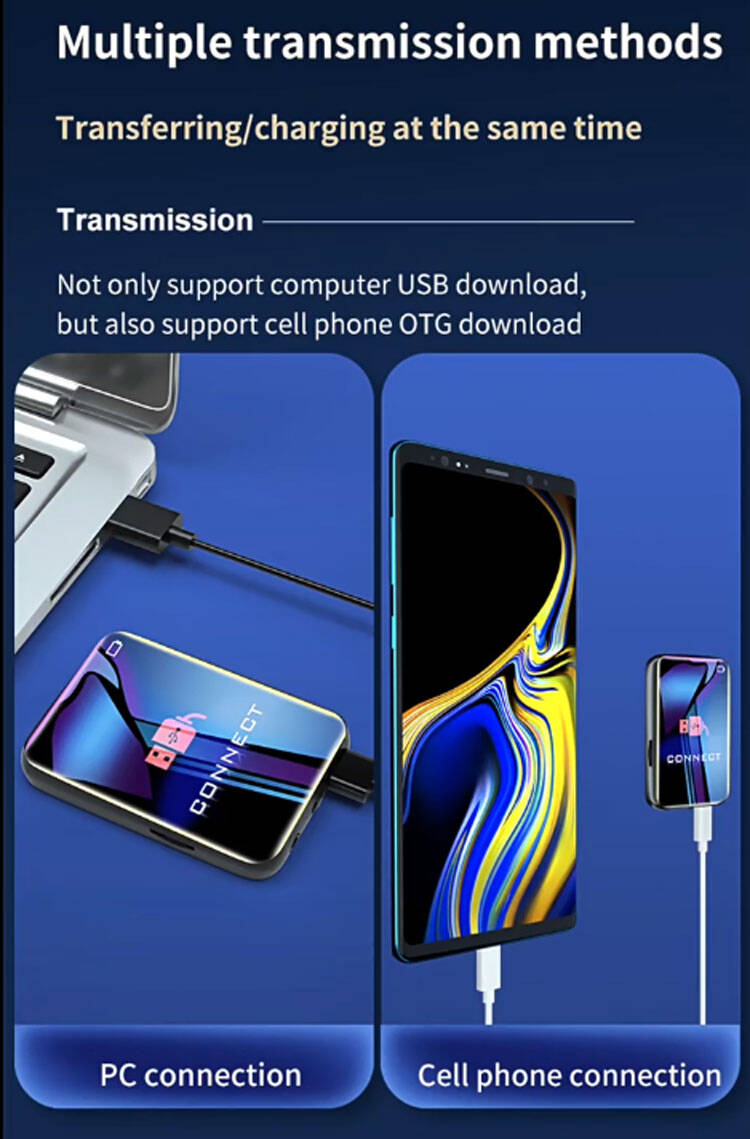
Professional-grade audio quality lets you record important class notes and review them repeatedly to improve your skills. - Multiple Transfer Methods: Transfer Files and Charge Simultaneously
Supports both USB transfer to a computer and OTG transfer to a smartphone. - Supports TF Card Expansion: More Storage, More Fun
Expand storage with a TF card to store all your favorite movies, music, and study materials on the device.
Target Audience
- Group — Reasons for Use
- Runners / Fitness Enthusiasts — lightweight with a clip‑on design — no bouncing while running. Bluetooth headphones offer wireless freedom.
- Commuters — focus on music while riding the subway or bus — free from message interruptions.
- Students — listen to white noise while studying — no games or social media to distract you.
- Children — simple to operate with no online content — peace of mind for parents.
- Seniors Doing Morning Exercises — large touch icons, clear and easy‑to‑read text, simple operation.
- Gifts for Sports Brands — customisable logos. Runners will use them every day.
- Corporate Benefits — practical small appliances. High employee satisfaction.
Customer Service
Put your brand on users' music players and turn every playback into a brand experience. Our touchscreen MP3 players support exclusive customization—including screen-printed logos and custom brand colors—making them ideal for sports brands, corporate gifts, and digital accessories.
FAQ
Q1: How is the sound quality of touchscreen MP3 players?
A1: Sound quality depends on three factors: the decoding chip, the headphones, and the audio source.
Factors affecting sound quality:
-
Decoding chip: Mainstream chips offer stable sound quality. Some high‑end models use professional audio DACs.
-
Headphone quality: The included headphones are adequate for basic use. Upgrading to better headphones will significantly improve sound quality.
-
Audio source quality: Lossless formats — FLAC / APE — > High‑quality MP3 — 320 kbps — > Standard MP3 — 128 kbps.
Audio effects: -
Built‑in EQ presets — Pop, Rock, Classical, Jazz, Custom.
Compared to smartphones: With the same headphones and audio source, dedicated MP3 players typically offer better noise control and greater output power than smartphones.
Q2: How long does the touchscreen MP3 player’s battery last? Can it last all day?
A2: Excellent battery life. It lasts 8 hours on a full charge.
Charging time: Approximately 2‑4 hours — USB charging.
Power‑saving tips:
-
Turn off the screen backlight — or lower the brightness.
-
Use headphones instead of the speaker.
-
Set auto‑shutdown / auto‑sleep.
Charging method: Charge via USB connection to a computer or power adapter. Slight warming during charging is normal.
Q3: Can the touchscreen MP3 player connect to Bluetooth headphones?
A3: Yes. It supports Bluetooth 5.0 — for a stable connection.
Q4: Can the touchscreen MP3 player play videos?
A4: Yes — it supports video playback.
Supported formats: AVI.
Screen size: 2.5 inches — providing an excellent video viewing experience.
Q5: Does the touchscreen MP3 player support TF card expansion?
A5: Yes — it supports TF card expansion.
Q6: How do I download songs to the touchscreen MP3 player? Do I need software?
A6: It is plug‑and‑play. No software is required.
Steps:
-
Connect to a computer using a USB cable.
-
The player will be recognised as a USB drive.
-
Drag and drop song files directly into the music folder.
-
Safely eject the device and disconnect.
Supported audio sources:
-
Ripped tracks from your own CDs.
-
Purchased digital music.
-
Downloads from free music websites — note copyright restrictions.
-
Downloads from streaming platform subscriptions — check for DRM restrictions.
Note: Do not disconnect the device abruptly while formatting or transferring files — this may result in data loss.
Q7: Does the touchscreen MP3 player support lyrics display?
A7: Yes — it does, but requires matching lyrics files.
Lyrics format: .LRC files — with the same name as the song.
Instructions:
-
Download the LRC lyrics file corresponding to the song.
-
Place the LRC file in the same folder as the song.
-
The filename must match the song title — e.g., “SongTitle.mp3” and “SongTitle.lrc”.
-
Synchronised lyrics will display automatically during playback.
Note: On some models, you must enable the “Lyrics Display” feature in Settings.
Feel free to inquire anytime and lock in your favorite style!