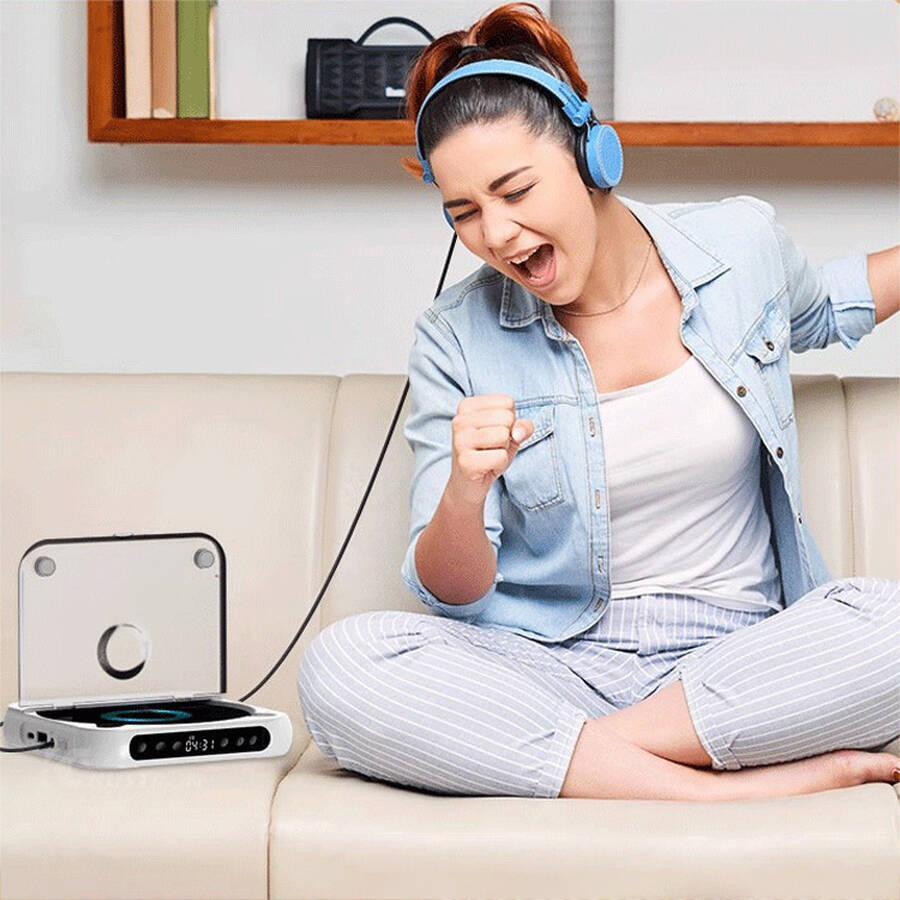
CD Player
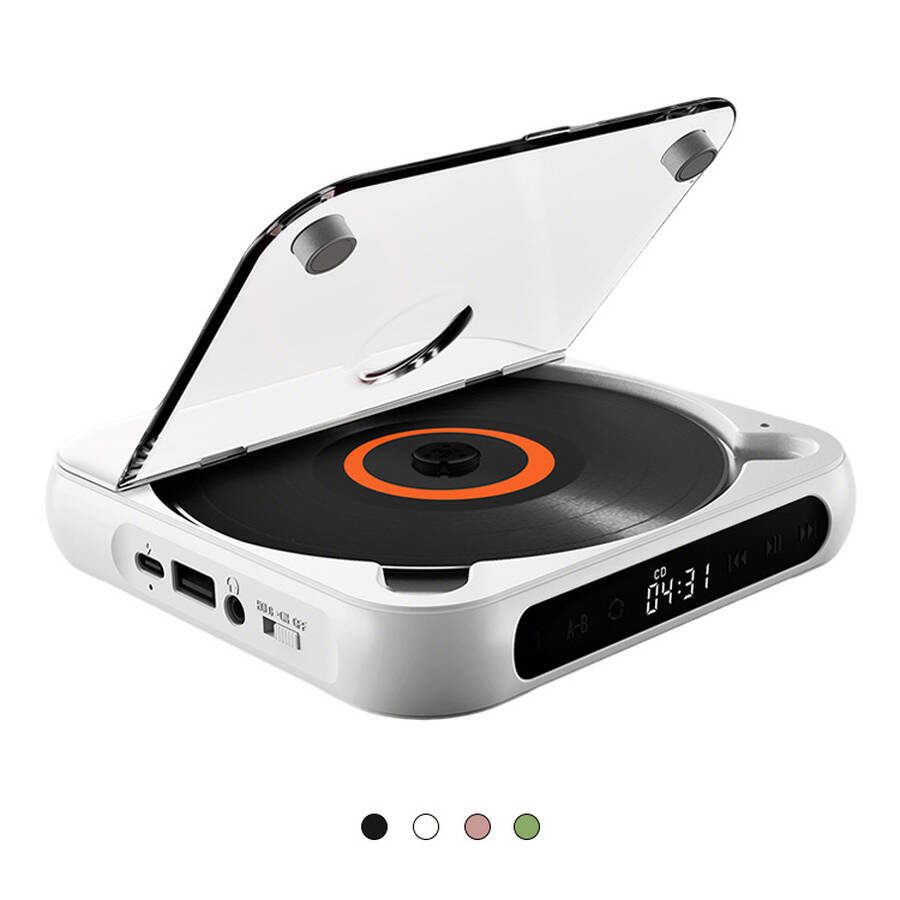
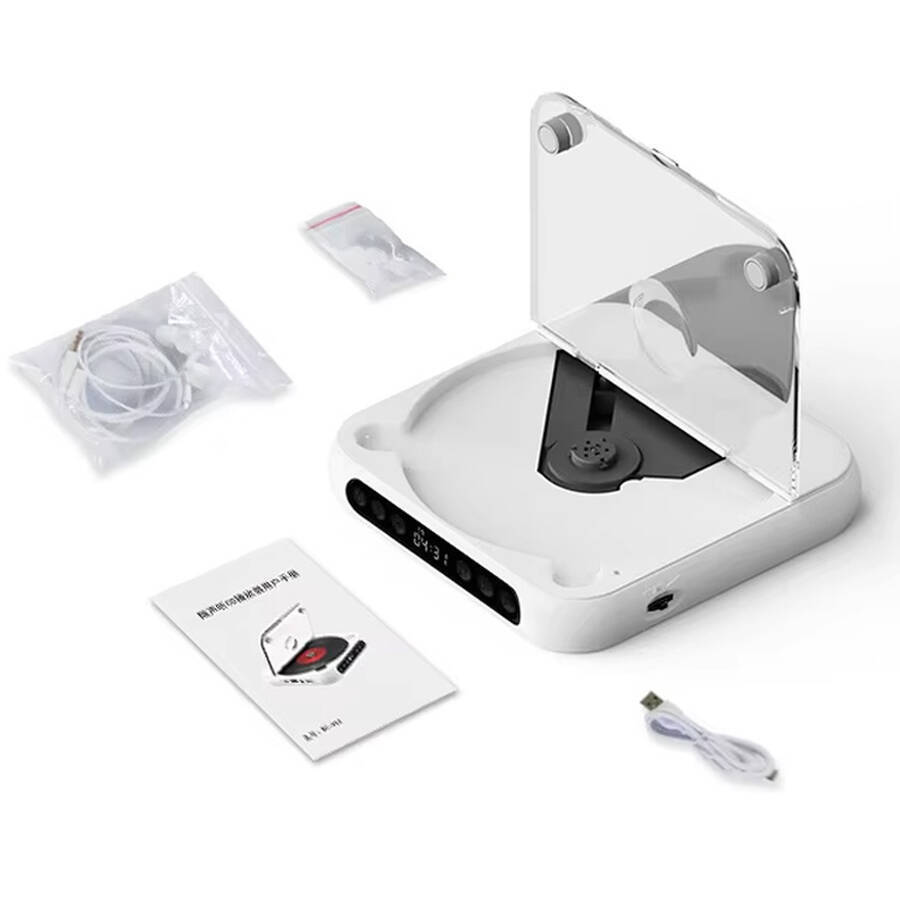
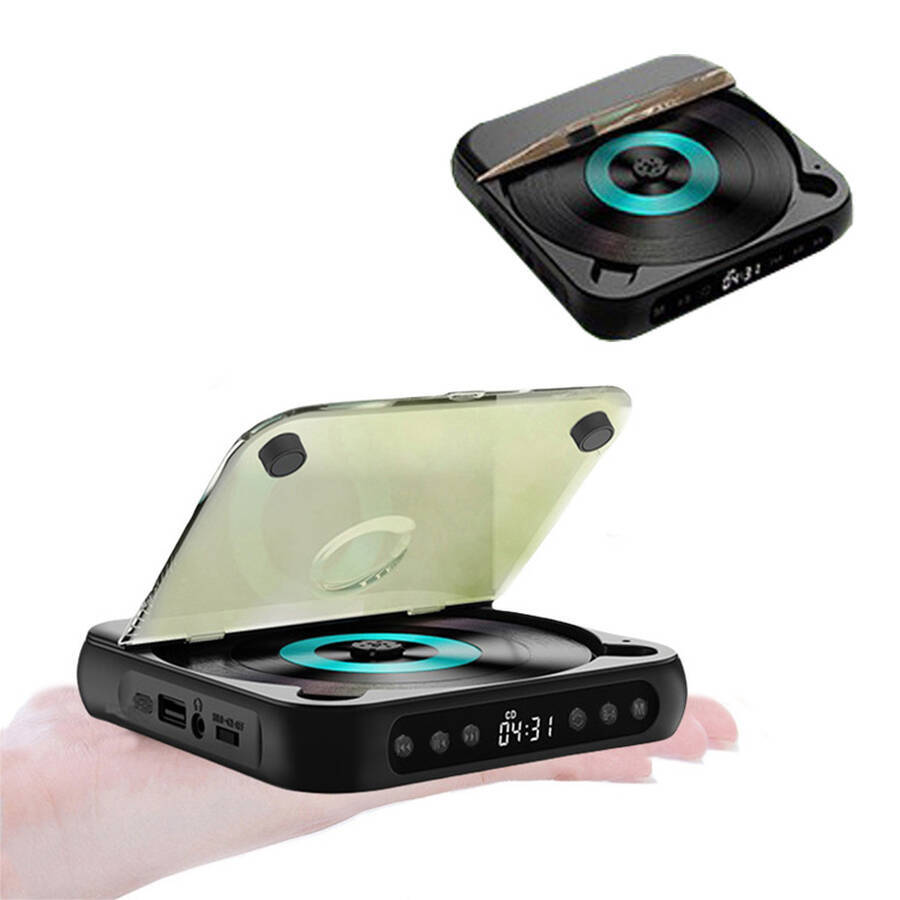
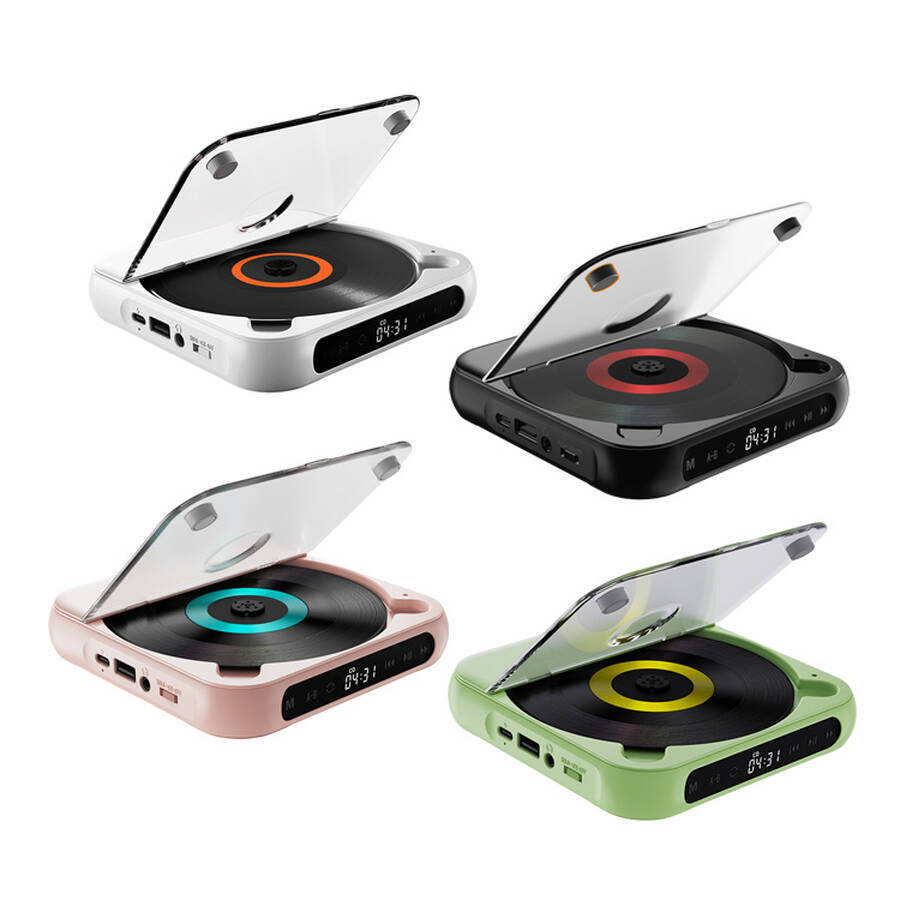
Portable CD Player with Bluetooth for Sale Can Be Played Through External Speakers
Company Code: ONM025
Material: ABS
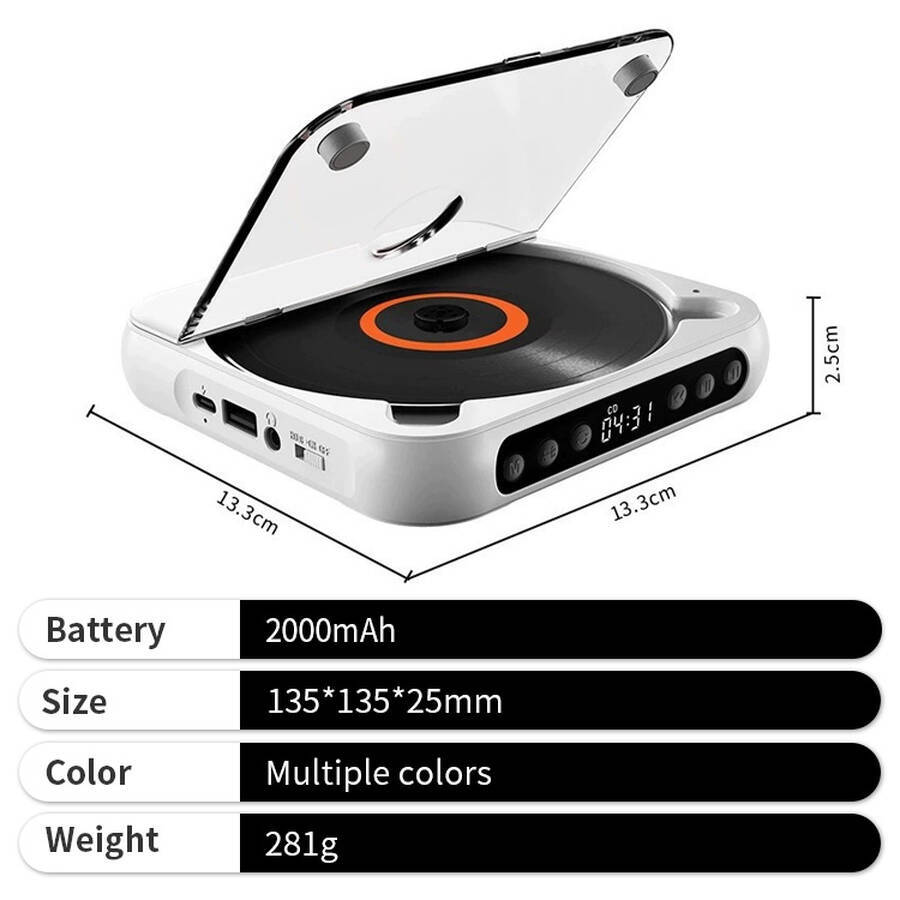
Product dimensions: 133 × 133 × 25 mm
Rated voltage : 5 V
Rated power : 2 W
Maximum power : 10 W
Bluetooth range: 10 m
Battery: 2000 mAh
Disc loading type : Tray-loading
CERTIFICATES
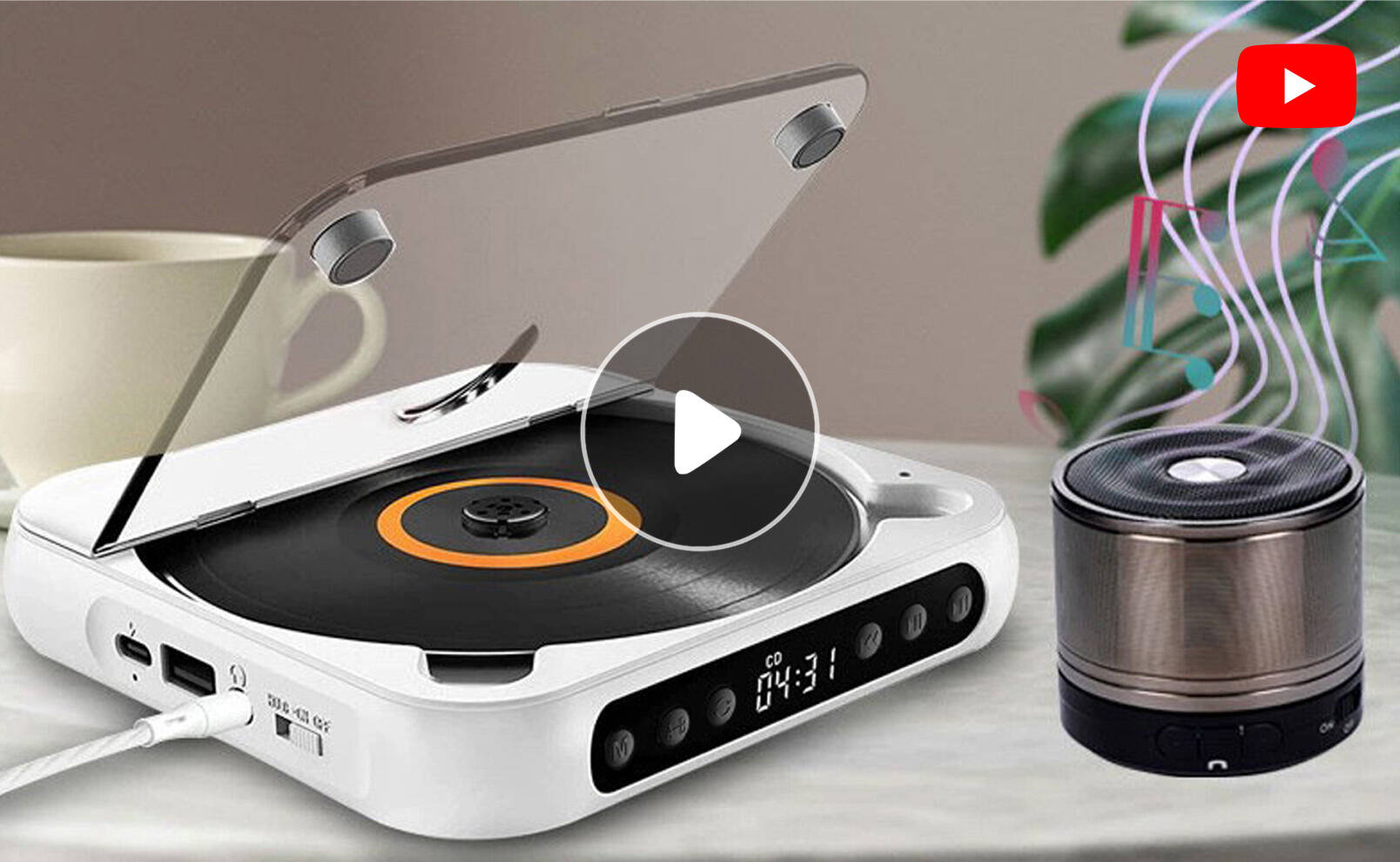
Portable CD Player with Bluetooth for Sale Can Be Played Through External Speakers
A CD player is a music-playing device designed specifically for fans of physical discs, lovers of retro music, and those who cherish a sense of ritual. In an age dominated by streaming, it is not designed for convenience, but for the ritual of inserting a disc into the player yourself and watching it spin slowly: music is no longer mere background noise, but a companion worthy of your attention, deserving of you pausing whatever you are doing to listen to it carefully.
Display
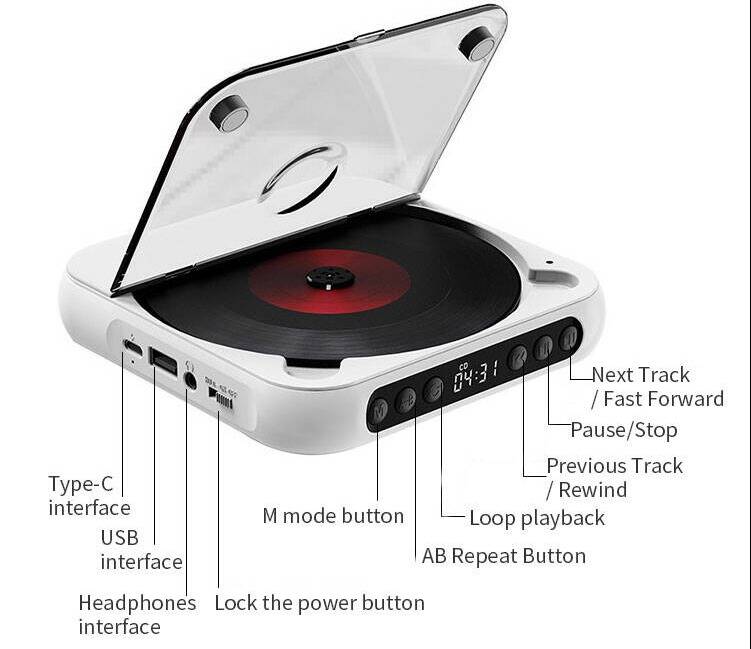
Advantages
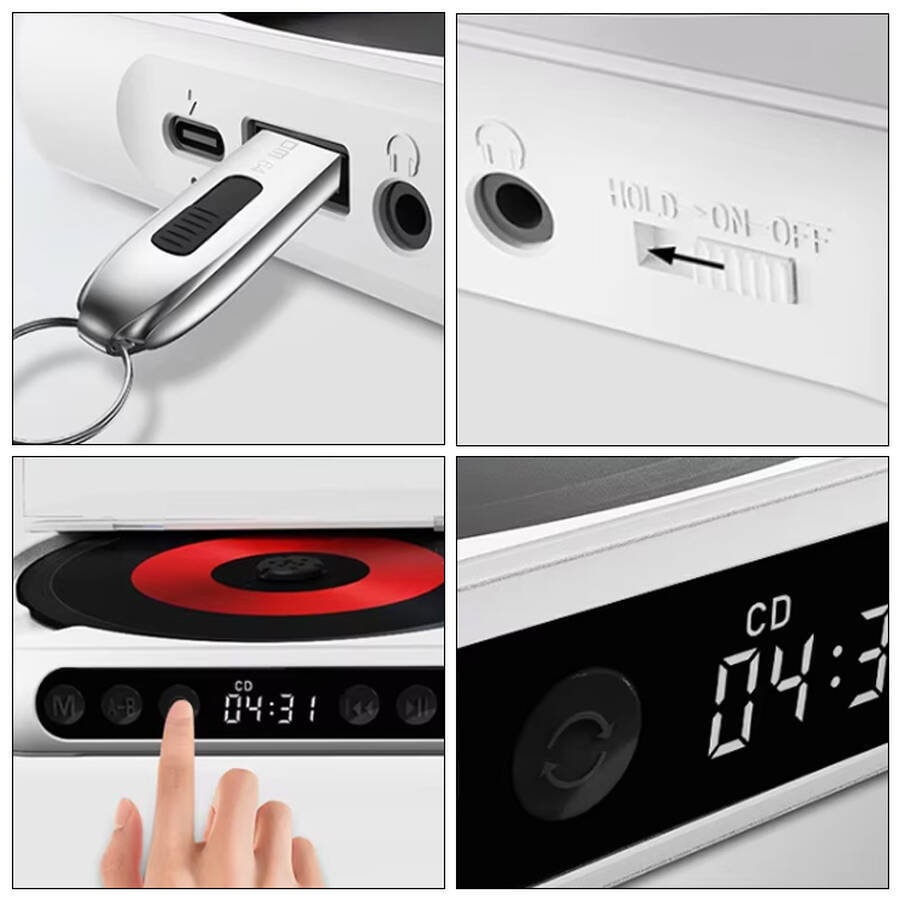
- Disc Playback
Supports CD/CD-R/CD-RW/MP3/WMA - USB Playback
Supports playback from USB sticks and other external storage devices - High-Definition Sound Quality
Enjoy perfect music - Compact Design
Convenient to carry and space-saving - Repeat Playback
Single-track repeat, all-track repeat, shuffle, and normal playback - One-Touch Repeat
Great for helping children learn - Convenient Power Supply
Built-in 2000mAh rechargeable battery for long-lasting battery life
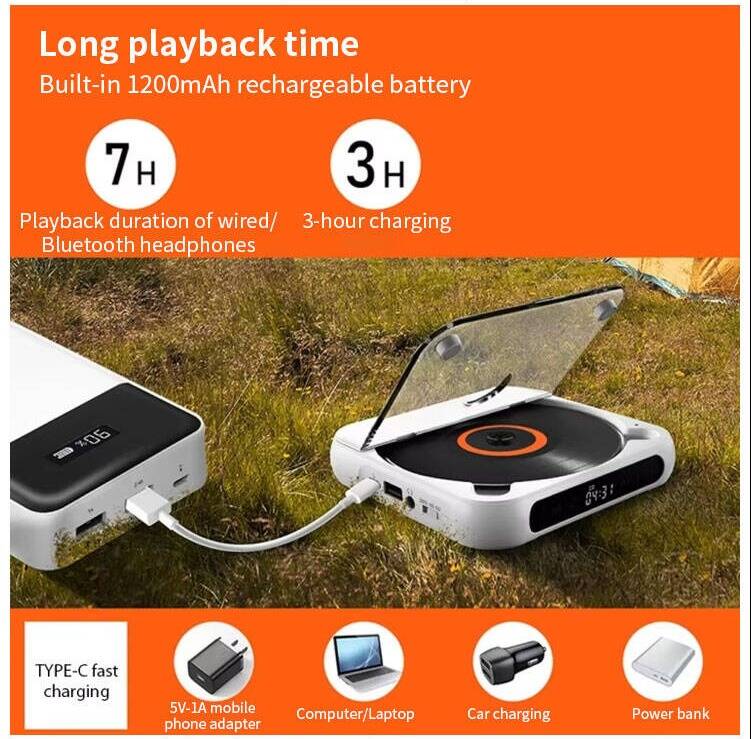
Application
A CD player is more than just a device for listening to music. It is a vessel for ritual, a symbol of retro style, and the key to restoring music to its full potential. Even in an age dominated by streaming, it still holds an irreplaceable place.
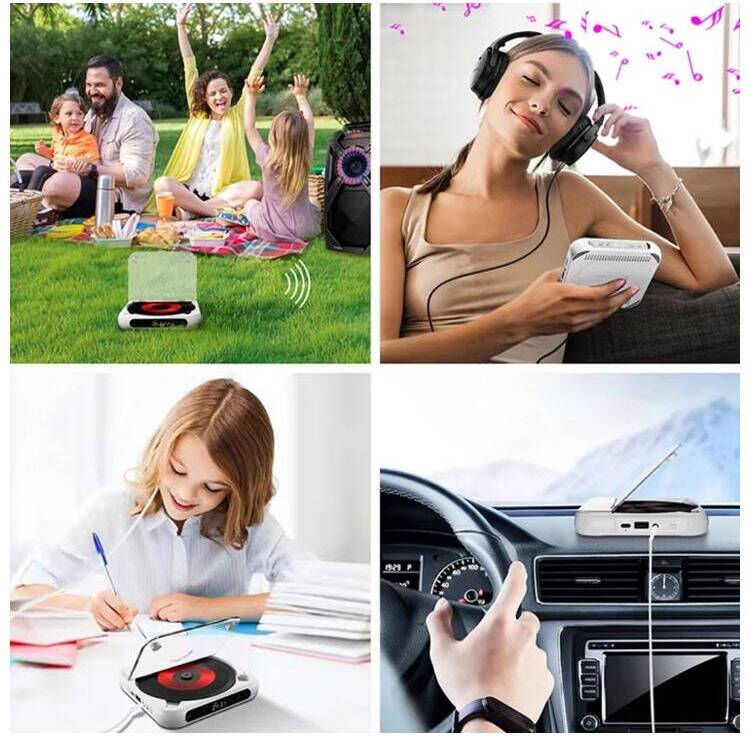
- Listening at home — enjoying an entire album from start to finish.
- Desk ornament — the visible rhythm.
- Commuting — letting music accompany your journey.
- Outdoor camping — sharing the warmth of physical records with friends.
- Home office — focused companionship during work breaks.
- Retro collection — rediscovering the CDs you collected in your youth.
- Family listening — sharing your youth with your children.
- Cafés / bookshops — the finishing touch to create the perfect atmosphere.
- Holiday gifts / corporate gifts — a thoughtful present.
Customer Service
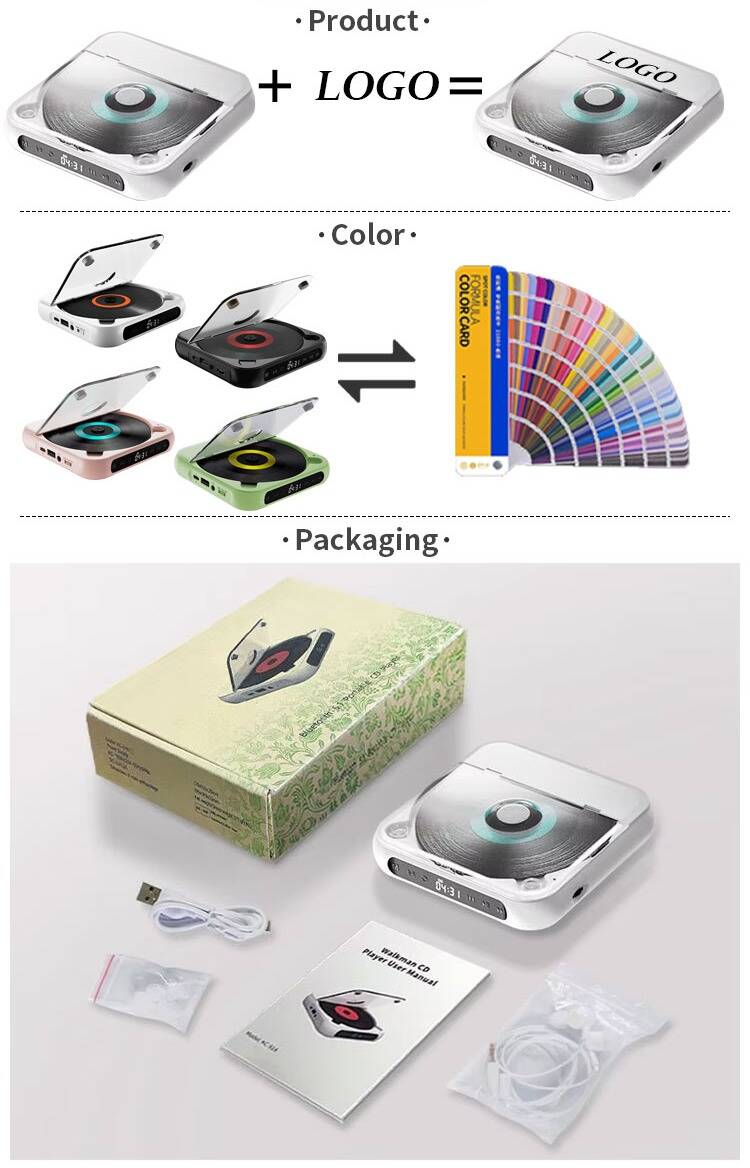
Engrave your brand onto a spinning disc, turning every play into a brand resonance. Our CD players support bespoke customisation—from logo printing to bespoke packaging—making them ideal for music brands, corporate gifts and vintage markets alike.
FAQ
Q1: What is the difference between a CD player and listening to music on a mobile phone? Why bother buying a CD player?
A1: A CD player offers a sense of ritual, completeness, and the tactile experience of a physical object. This is an experience that streaming cannot replicate.
Key differences:
| Feature | CD player | Mobile streaming |
|---|---|---|
| Ownership of music | Physical disc — genuine ownership | Subscription‑based — disappears when removed from catalogue |
| Listening style | Full album — listened to in sequence | Single‑track looping — fragmented listening |
| Ritual | Inserting the disc — opening the lyric booklet | Tapping to play |
| Sound quality | Lossless CD quality — 1411 kbps | Compressed format — below 320 kbps |
| Visual experience | Transparent mechanism — disc rotation visible | None |
Suitable for: Physical disc enthusiasts, those who value ritual, and those who wish to listen to an album in its entirety.
Q2: What types of discs can the CD player play? Does it support CD‑R / CD‑RW?
A2: It supports CD, CD‑R, CD‑RW, MP3, and WMA formats.
Recommendations:
-
If you encounter issues playing burned discs, first test with a commercially available genuine CD. This helps rule out disc‑related problems.
Q3: How should the CD player be maintained? Can the laser head be cleaned?
A3: Proper maintenance can extend the lifespan. However, we do not recommend cleaning the laser head yourself.
Disc care:
-
Hold the disc by the edges when handling. Do not touch the playback surface.
-
Wipe with a soft, dry cloth from the centre outwards. Do not wipe in circles.
-
Do not use: benzene, thinners, commercially available cleaning agents, or anti‑static sprays.
Player care: -
Avoid high temperatures, humidity, and dusty environments.
-
Remove the batteries and unplug the power supply when not in use for extended periods.
Laser head cleaning: -
We do not recommend using commercially available CD or DVD cleaning discs. They may damage the laser head.
-
If cleaning is absolutely necessary, we recommend sending the unit to the manufacturer or a professional repair service.
Preventing condensation: When bringing the unit indoors from a cold outdoor environment, if condensation forms on the surface, open the disc tray and leave it to stand for 1 hour before use.
Q4: What should I do if the CD player will not read discs?
A4: Follow these troubleshooting steps:
-
Check the disc: Ensure the disc is free from scratches and smudges. Clean it with a soft cloth. Try testing with a different genuine, commercially available CD.
-
Correct placement: Ensure the disc is inserted with the label side facing upwards.
-
Check connections: Ensure the power and audio cables are properly connected.
-
Restart the device: Unplug the power cable, remove the batteries, leave it for a few minutes, then plug it back in.
-
Condensation prevention: If brought indoors from a cold environment, open the disc tray and leave it for 1 hour.
-
Send for repair: If multiple discs cannot be played, it may be a laser head issue and requires professional repair.
Feel free to inquire anytime and lock in your favorite style!