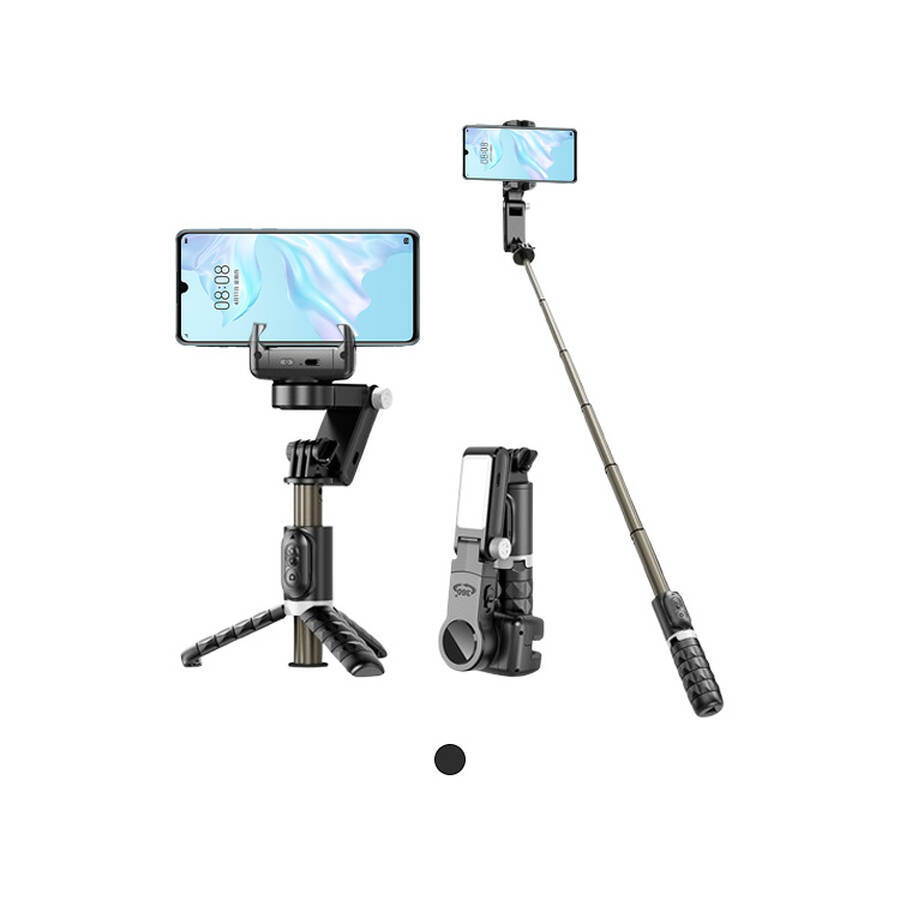
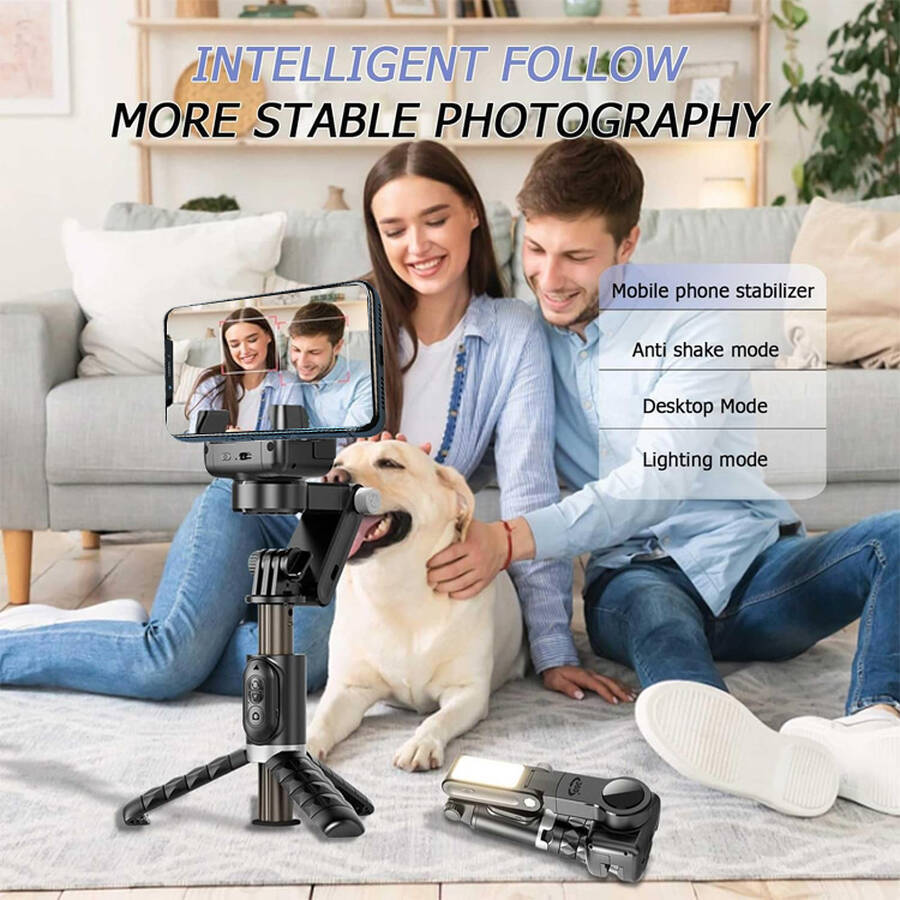
CYKE Smartphone Stabilizer
Best Mobile Phone Gimbal Stabilizer Live Streaming Phone Tripod Stand
Company Code: ONI022
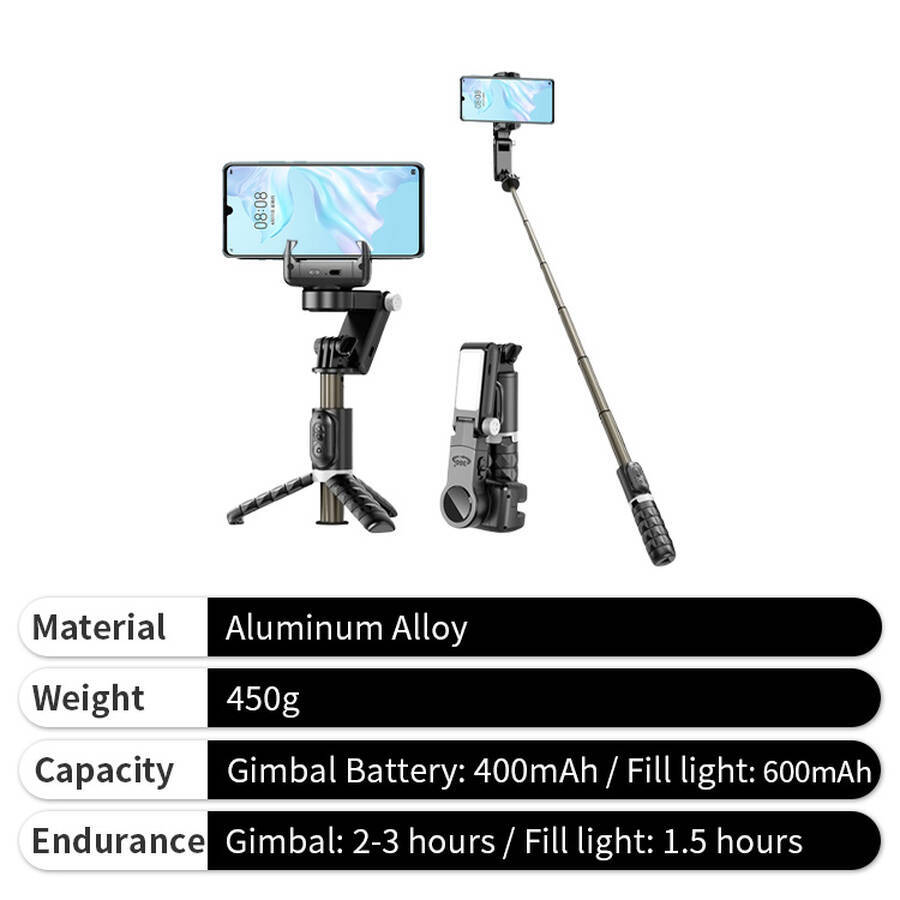
Material: Aluminum Alloy
Weight: 450g
Bluetooth Version: V4.2
Transmission Range: 10m
Battery: CR1632
System Compatibility: Android 4.4, iOS 5.1
Gimbal Battery Life: 2-3h
Gimbal Battery: 500mAh
Charging Port: Type-C
Lighting Battery: 400mAh
Lighting Usage Time: 1.5h
Color temperature: 3000K–6500K
Power consumption: 1.2W
CERTIFICATES
Best Mobile Phone Gimbal Stabilizer Live Streaming Phone Tripod Stand
When your phone camera becomes a third eye for observing the world, the stabilizer acts as its technological extension — keeping that eye steady and clear. Designed for smartphones, it uses precise micro brushless motors and intelligent algorithms to turn everyday walking into smooth, rail‑like motion — converting handheld shakiness into cinematic flow.
Whether recording a child’s playful run, documenting a journey, or creating dynamic short videos, it transforms your phone into a reliable creative tool. Its folding design fits a professional kit into an everyday bag. Gesture controls and smart tracking simplify complex shots smoothly.
Stability no longer demands heavy investment. It becomes creative freedom — held in your palm, ready when inspiration arrives.
Advantages
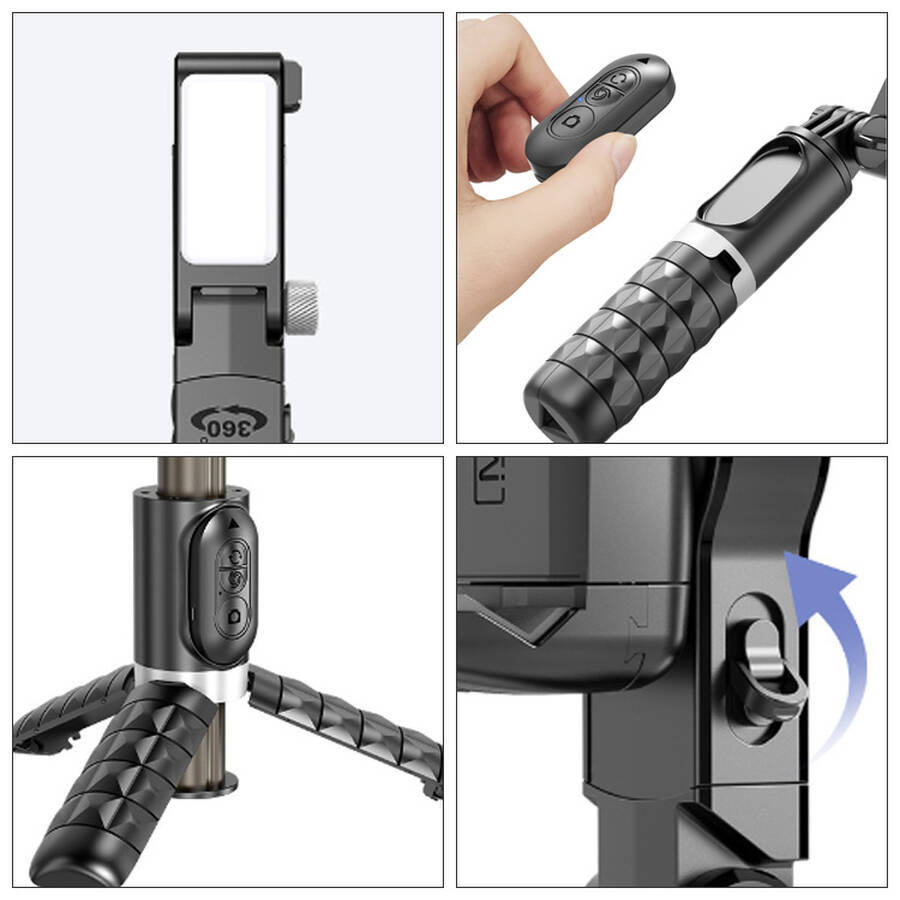
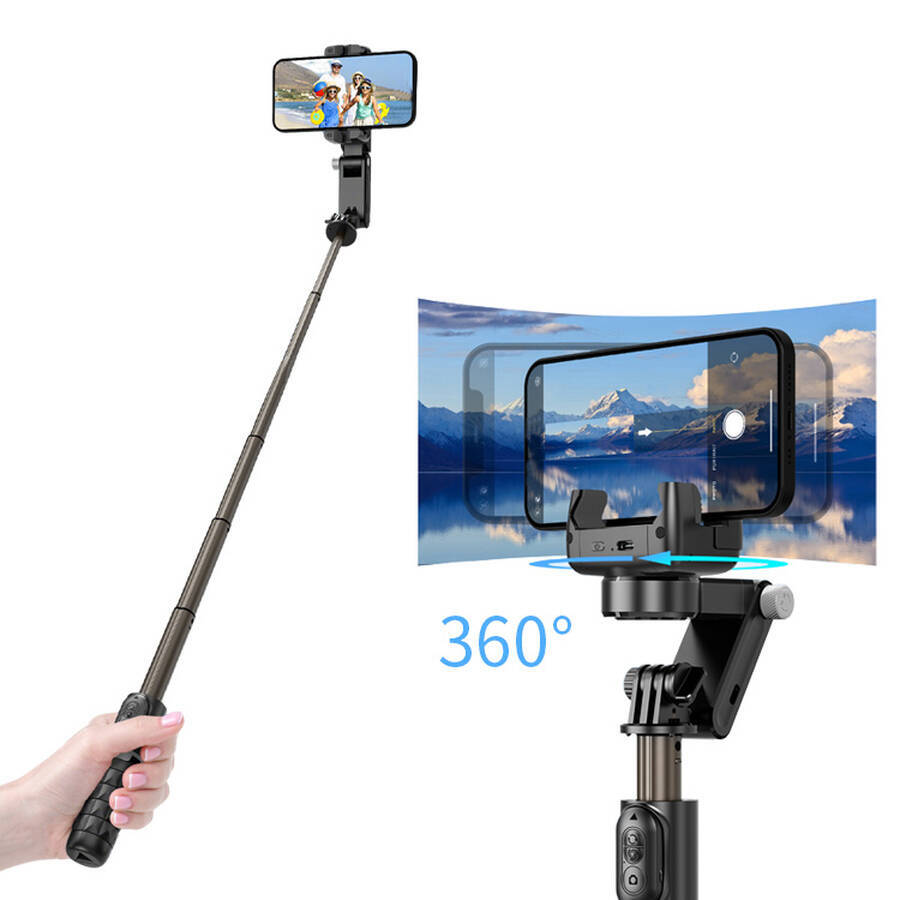
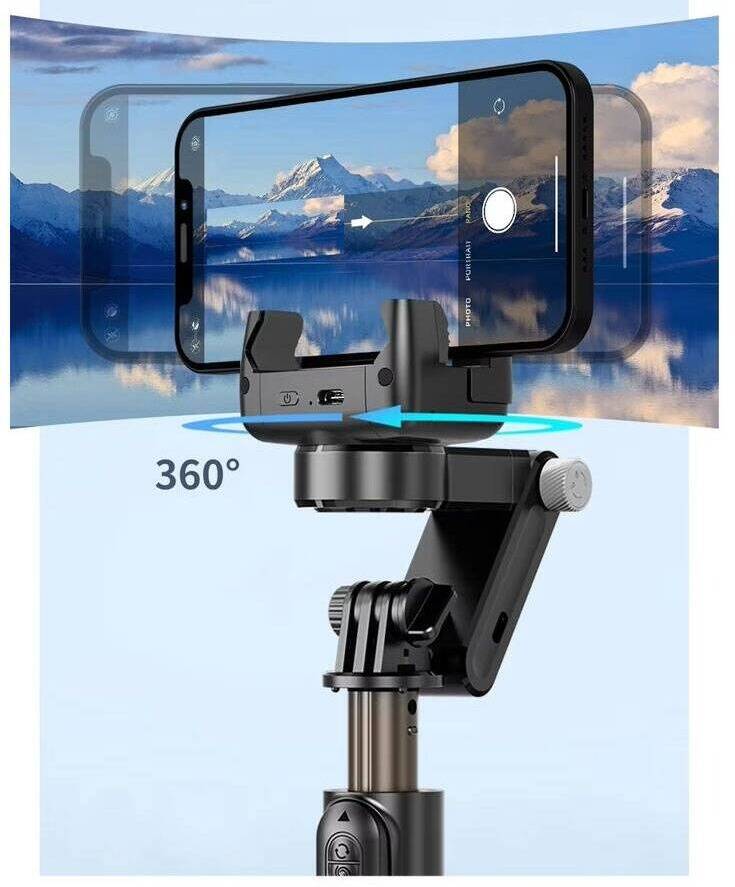
- 360° Surround Shot
One-tap cinematic masterpieces
Note: Double-tap the gimbal power switch to activate 360° auto-rotation; single-tap to stop rotation (can also be stopped via remote control) - Handheld Stabilization
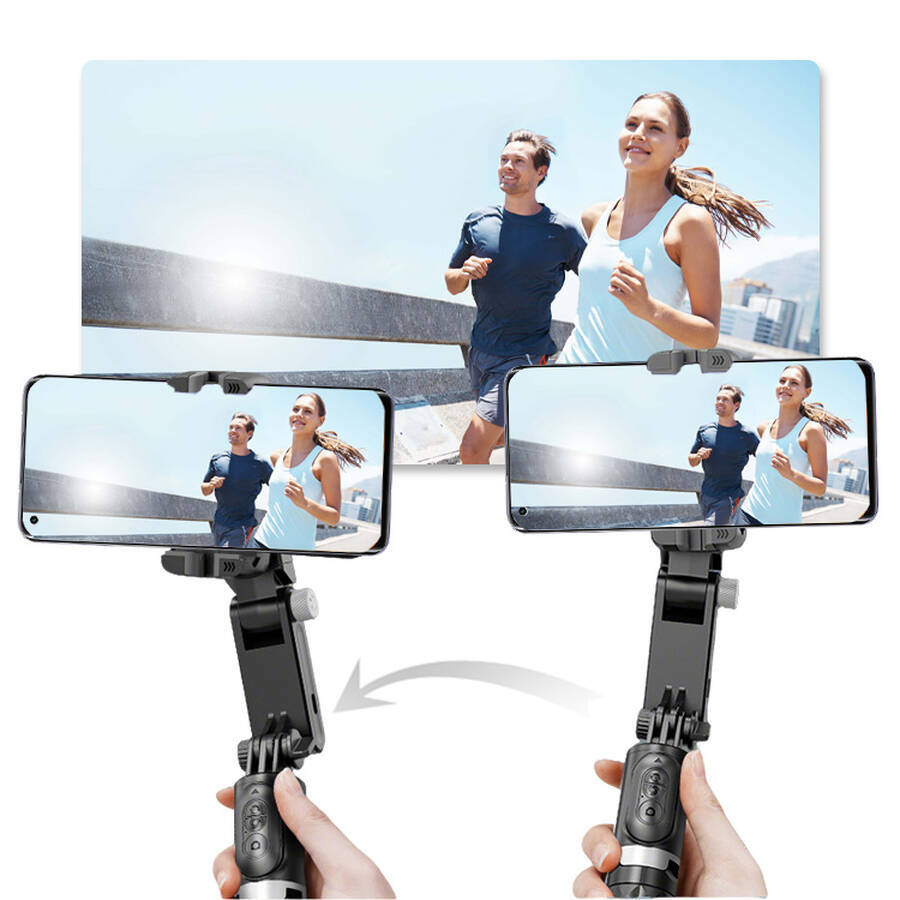
Single-axis brushless motor with intelligent stabilization effectively minimizes camera shake. - Low-Angle Shooting
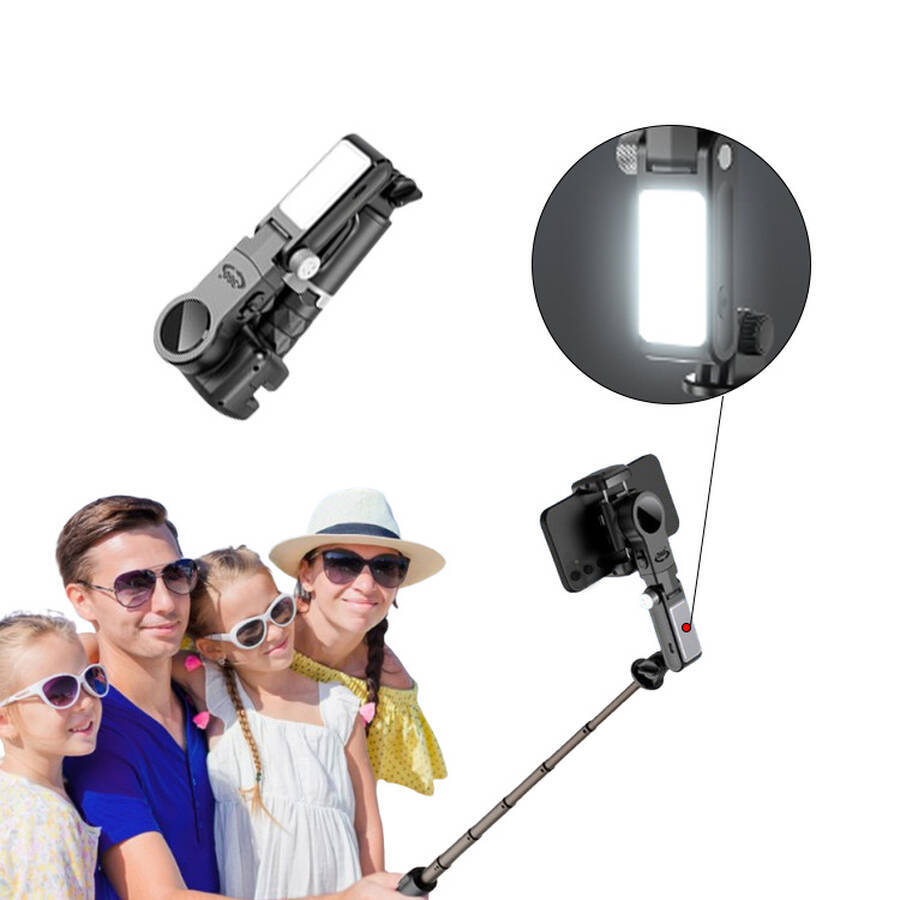
Attach the extension pole for effortless low-angle shots. - Selfie Stick Mode
In low-power mode, lock the gimbal and extend the pole. - Sturdy Tripod
Free your hands for hands-free shooting.
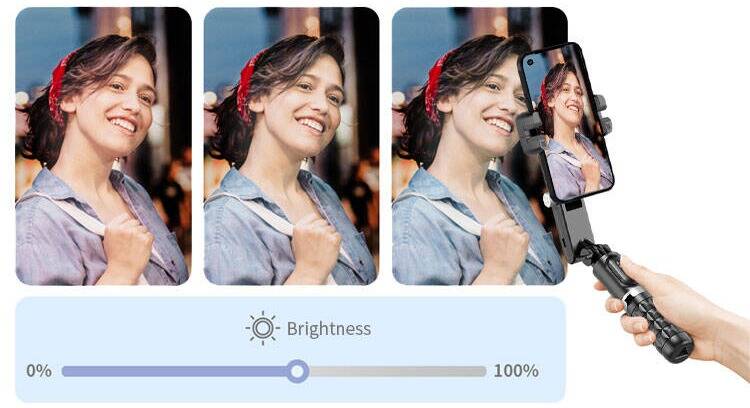
3 Color Adjustments
Shine bright in every moment
Three colors, nine adjustable levels—illuminate your beauty for every photo shoot
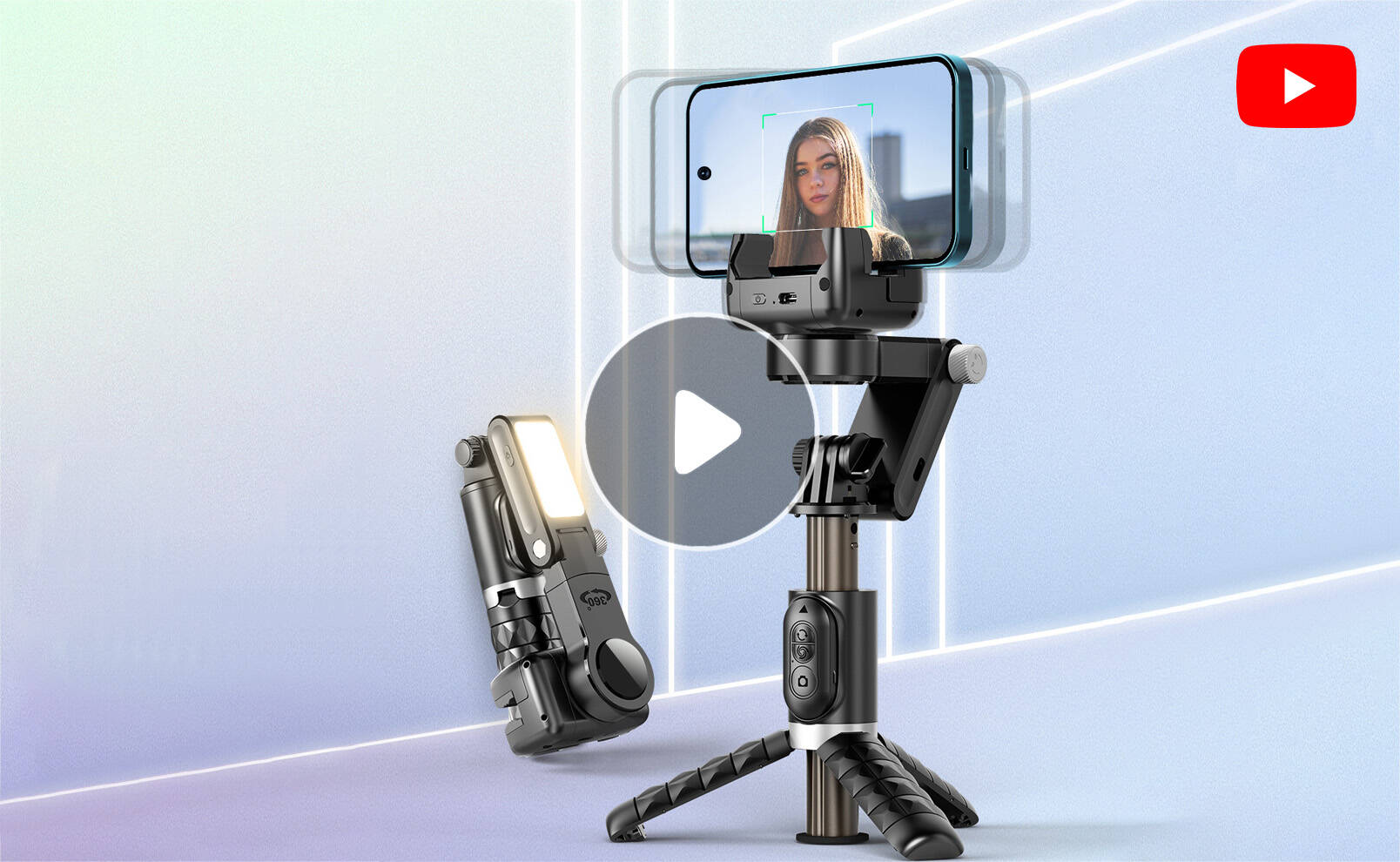
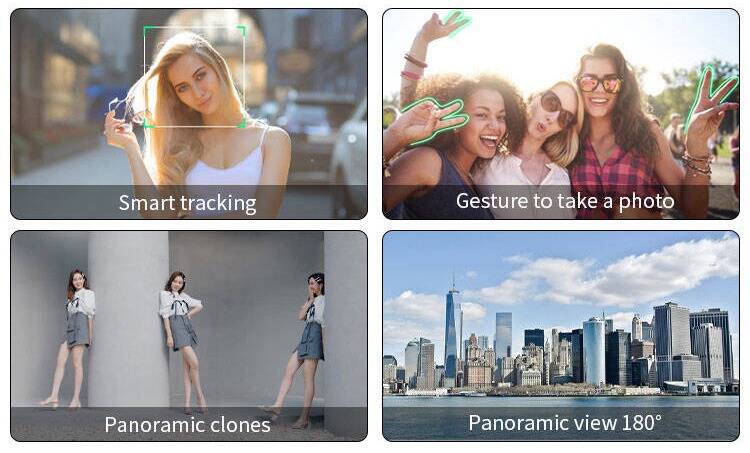
Smart Tracking
Keeps the subject or target front and center in the frame at all times.
Combined with gesture recognition, enables remote shooting.
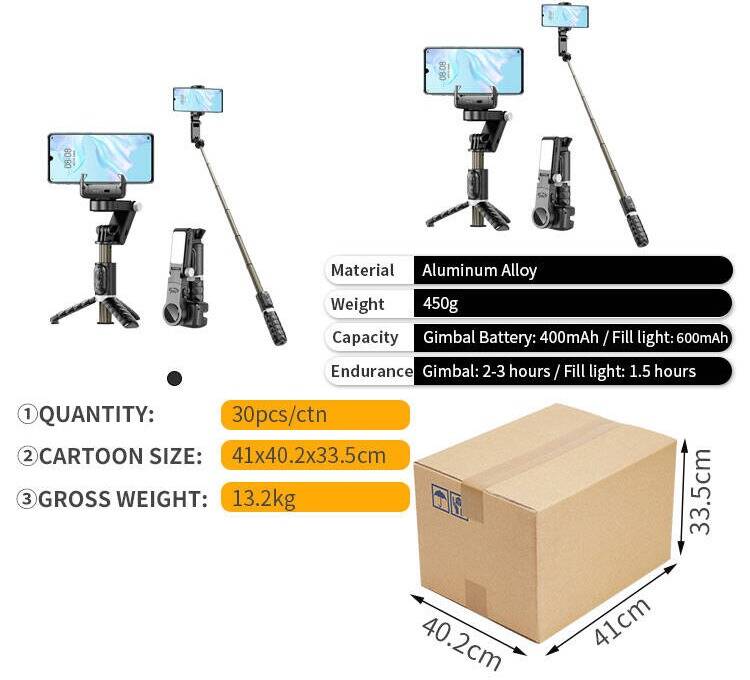
Packaging Specifications
The product packaging information is as follows.
FAQ
Q1: What effects can a smartphone gimbal deliver?
A1: Its primary role is motor‑based shake compensation — enabling professional‑style camera motion:
-
Basic stability: Removes jitter from walking or running shots.
-
Smart tracking: Automatically follows faces or objects.
-
Creative modes: Inception spin, Hitchcock zoom, time‑lapse, and more.
-
Simplified control: Bluetooth handles zoom, shutter, and mode changes.
Q2: Will it fit my phone model?
A2: Compatibility depends on two aspects:
-
Physical fit: Clamps usually adjust between 65–90 mm, fitting most phones (including cased ones). Extra‑large models like gaming phones should check specific dimensions.
-
App support: Main apps (e.g., DJI Mimo, Zhiyun ZY Cami) work with iOS 11+ and Android 7+, blending with the phone’s native camera features.
Q3: How is this different from my phone’s in‑built stabilization?
A3: They work on separate principles:
-
Phone electronic stabilization: Crops the frame digitally, which can lower resolution and alter the field of view.
-
Gimbal physical stabilization: Motors counteract shake before it reaches the sensor, preserving full image quality and offering greater range — ideal for dynamic or moving shots.
Q4: How do I properly balance and calibrate it?
A4: Proper setup ensures optimal performance:
-
Mounting: Place the phone’s center of gravity as close as possible to the clamp’s center.
-
Power‑on calibration: After turning on, set the gimbal on a flat surface and follow the on‑screen prompts. Re‑calibrate each time you change phones or reposition significantly.
Q5: What are some useful smart shooting modes?
A5: Beyond basic follow mode, try:
-
Gesture control: Trigger photos or follow mode with hand gestures.
-
Motion time‑lapse: Set smooth camera paths for cinematic time‑lapse sequences.
-
Panorama mode: Automatically rotates to capture and stitch ultra‑wide panoramas.
Q6: What daily precautions should I follow?
A6:
-
Weight limit: Do not exceed the rated capacity (typically 230–300 g).
-
Moisture: Most gimbals are not waterproof — be cautious in rain or damp conditions.
-
Impact: Motors and gimbal arms are precision parts — avoid dropping or hitting them.
-
Storage: Power off, release motor locks, and keep in a dry place when not in use.
Feel free to inquire anytime and lock in your favorite style!